How it works
Every screen in order, for organizers, players and scorers. Read it top to bottom, or jump to a phase.
The screens come from a sample event, with made-up names.
Organizers
Everything an organizer does, from a new event to the final. Shown on a laptop; the console works on a phone too.
Set up
6 steps1 Create your event
Answer a few questions, one at a time: the name, the dates, the events, the fee and who can see it. It starts as a draft, so nobody sees it until you open registration.
swingtosmash.com/organize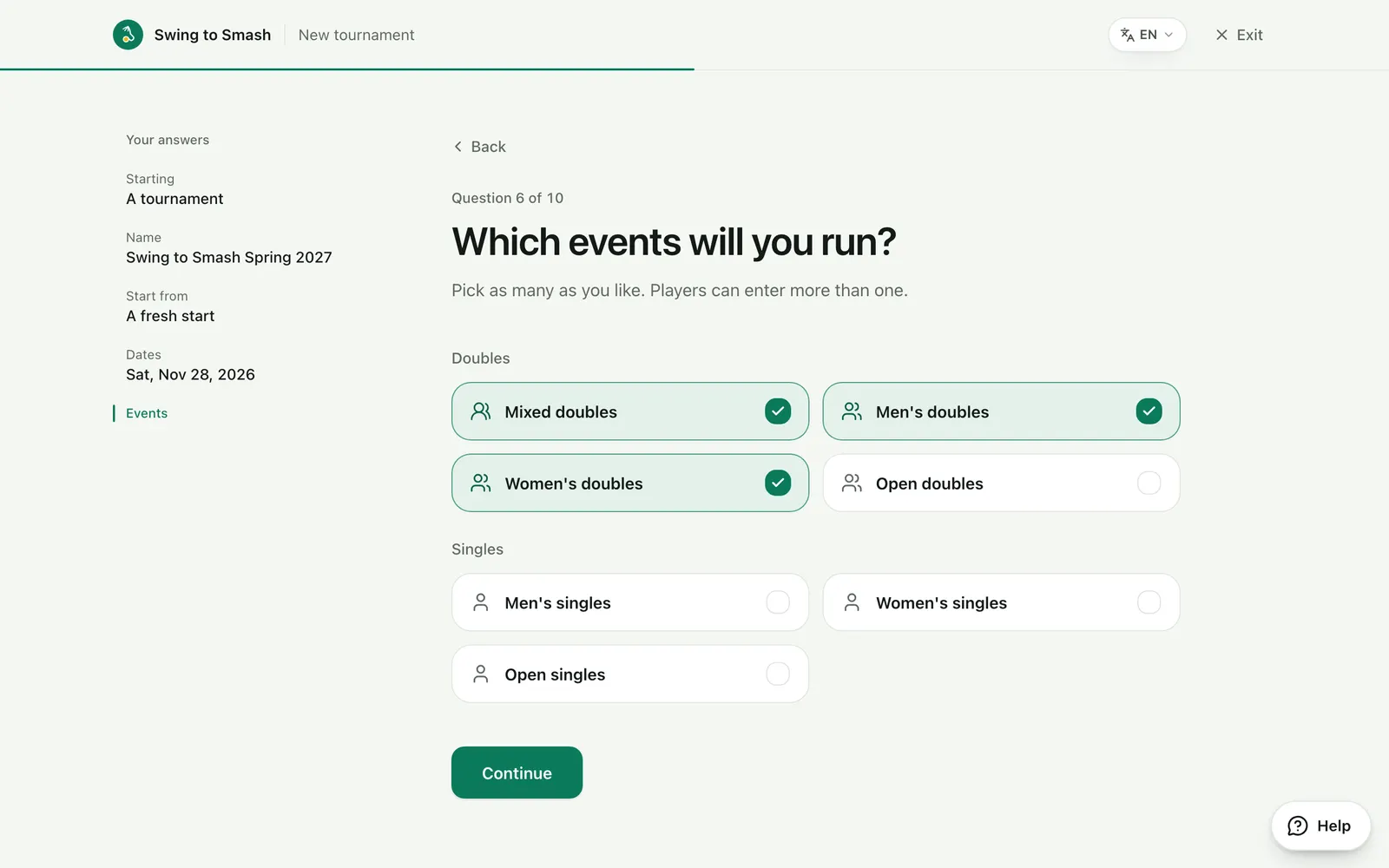
2 Add the details
The date or dates and the venue, with a map link for players.
swingtosmash.com/admin/settings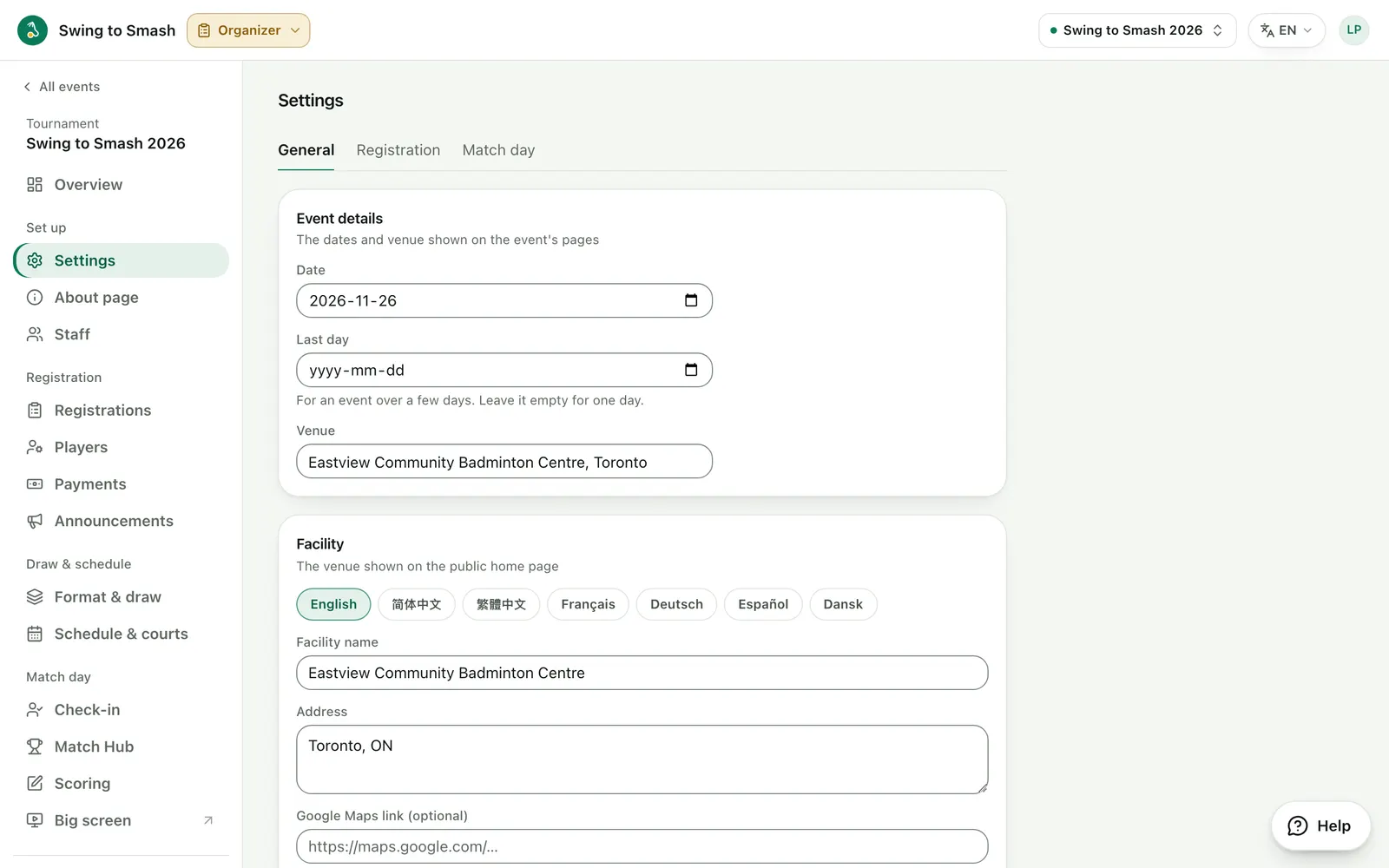
3 Choose disciplines and limits
Offer singles, doubles or mixed, cap the teams in each and set how many each player can enter. Then switch registration on.
swingtosmash.com/admin/settings?tab=registration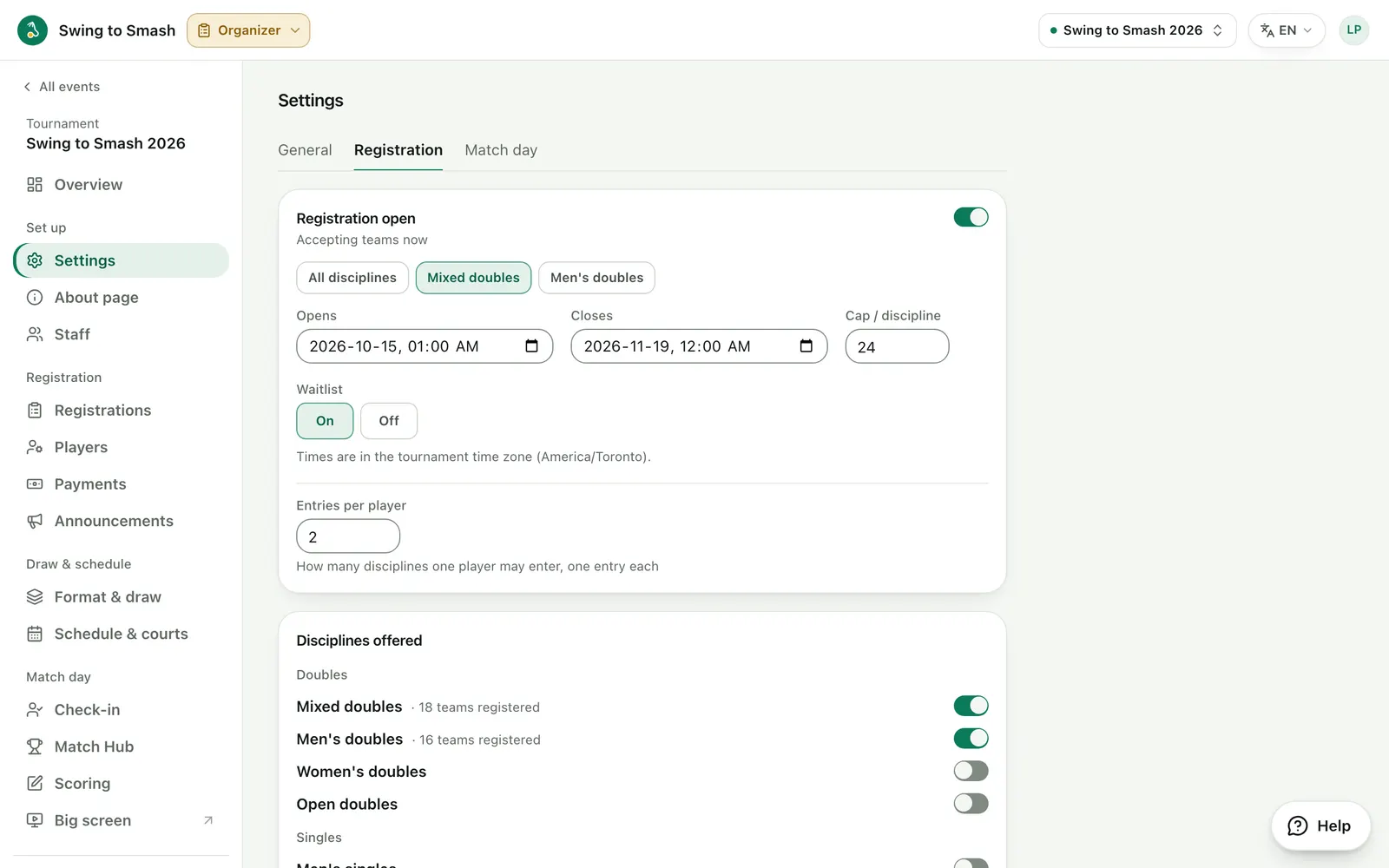
4 Add your waiver
Players sign it on screen when they register. Each signed copy is emailed to them and archived.
swingtosmash.com/admin/settings?tab=registration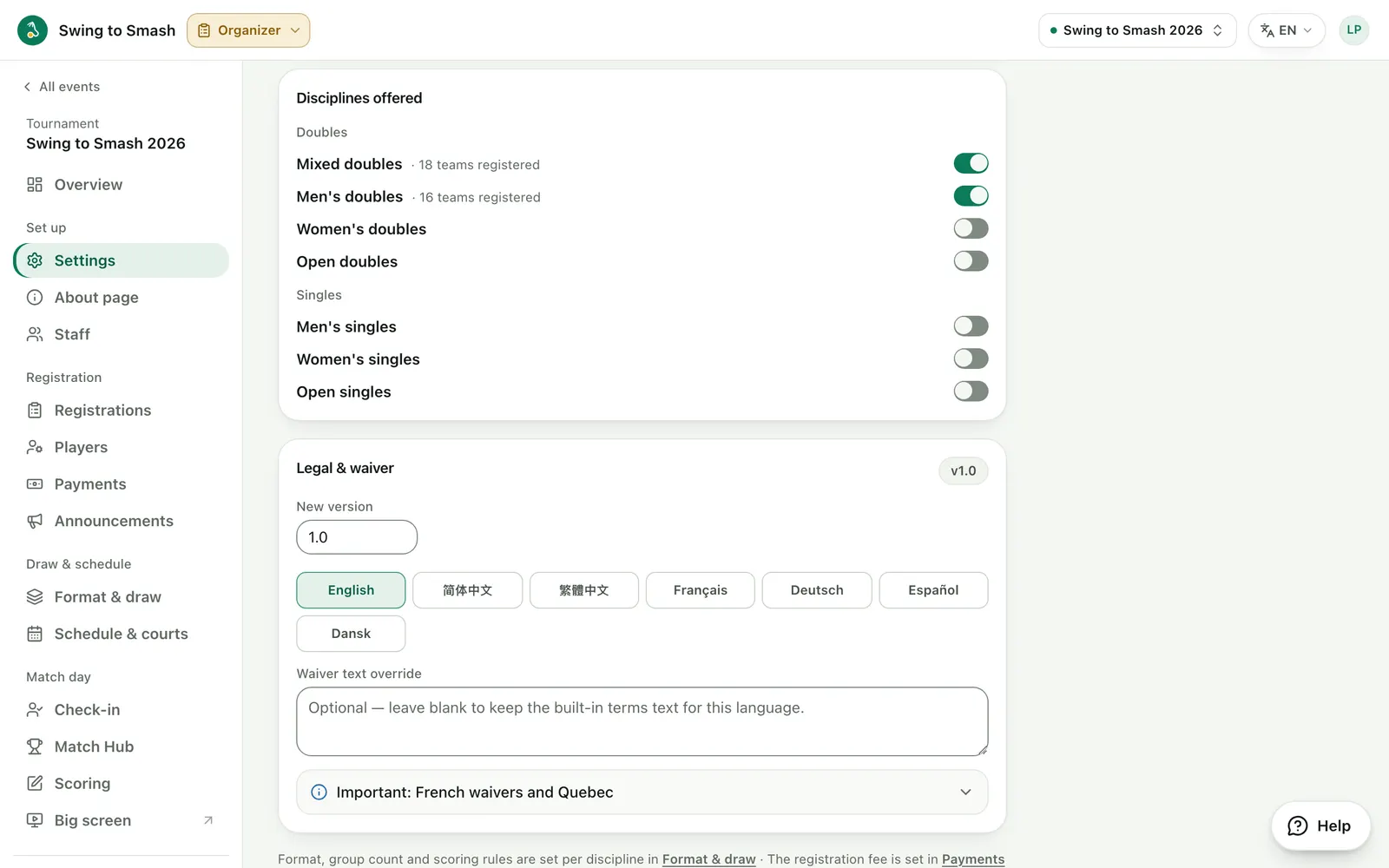
5 Set the registration fee
Charge per player, per discipline, by number of disciplines or per team, or nothing at all. Players pay you directly: e-transfer, bank transfer, PayPal and other apps, or cash.
swingtosmash.com/admin/payments?tab=fee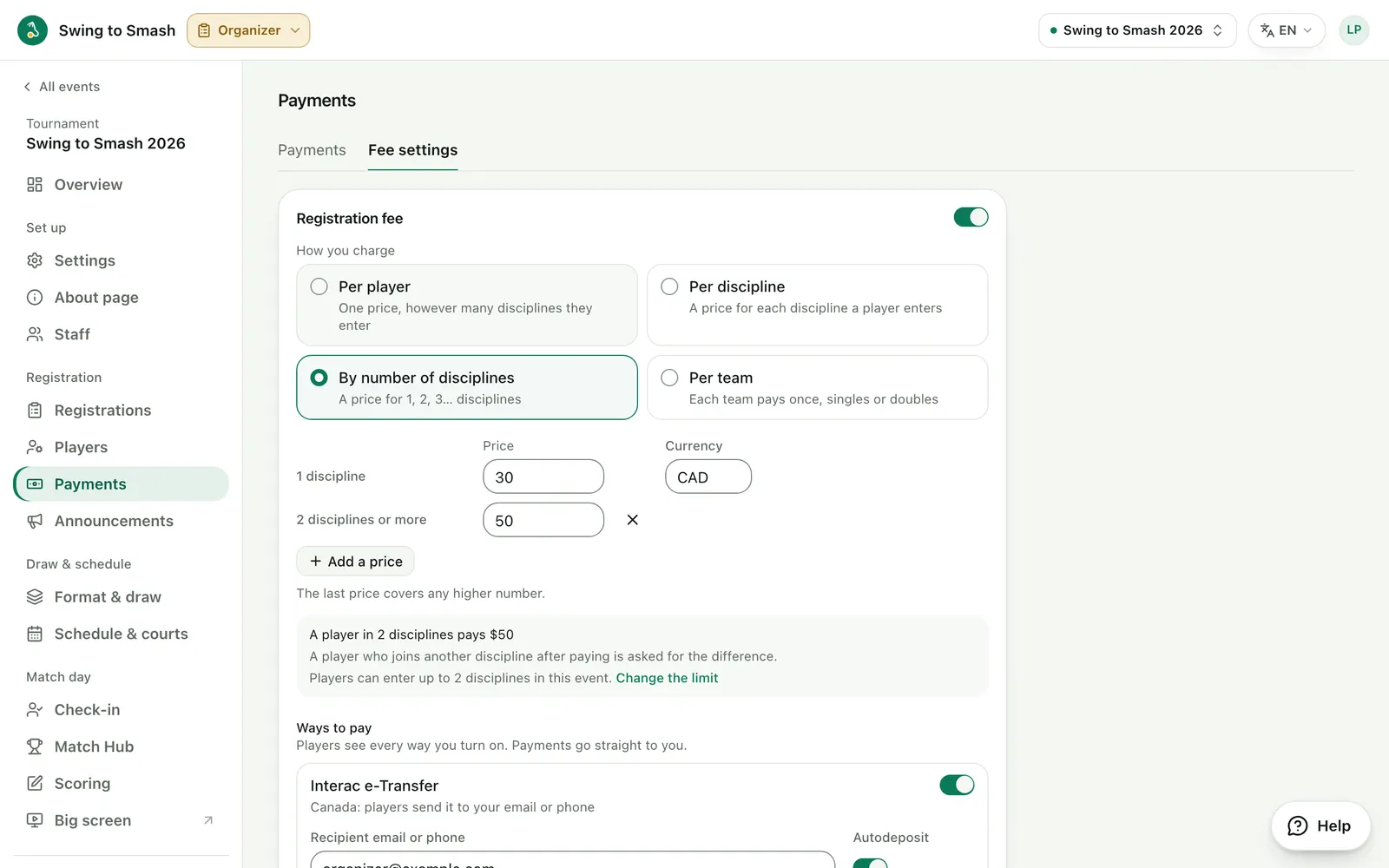
6 Write your event page
Welcome text, rules, contact and venue details, in each language you write in.
swingtosmash.com/admin/about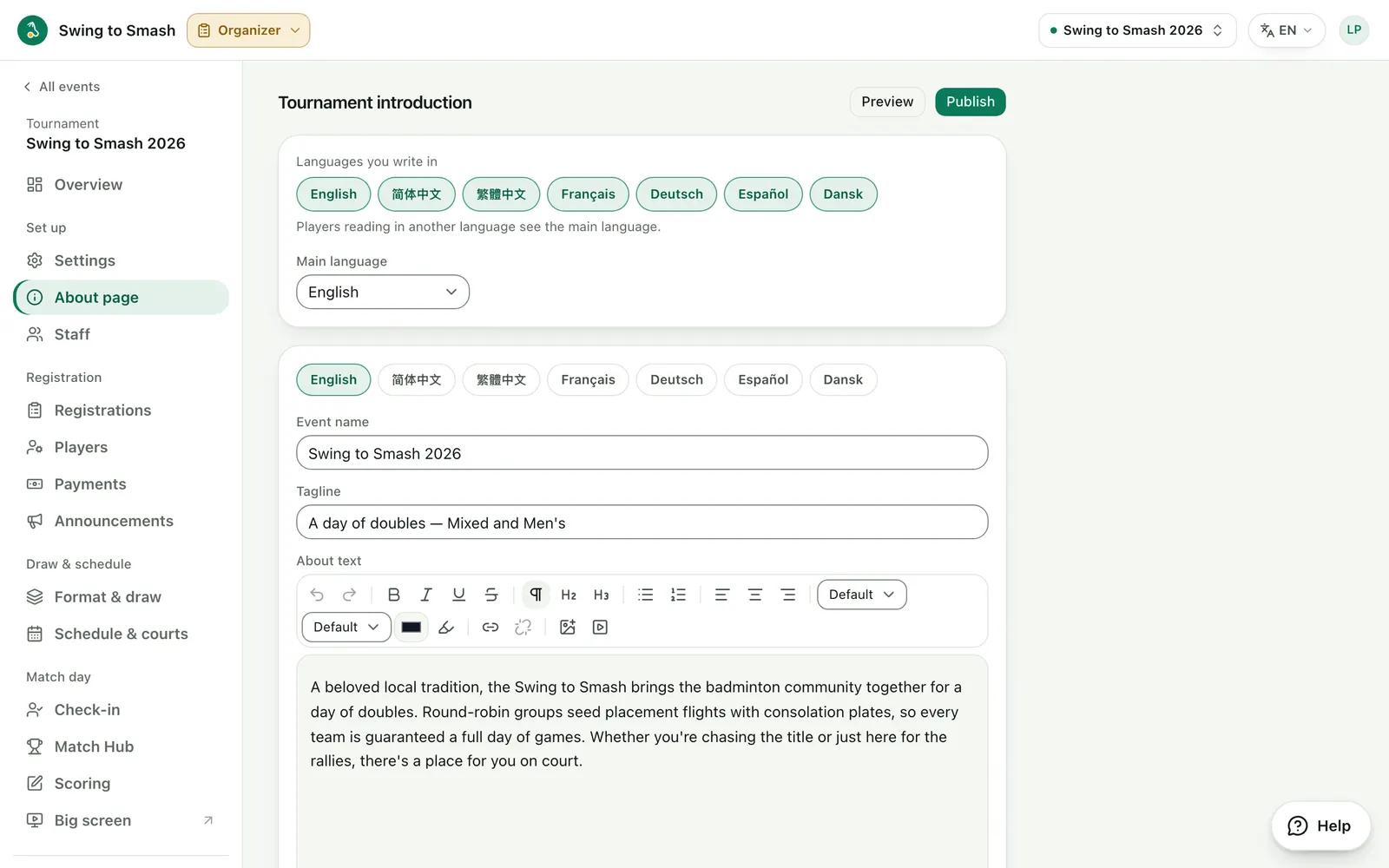
Registration
4 steps7 Watch teams sign up
Every team, partner invite and waiver in one list, with who has paid.
swingtosmash.com/admin/registrations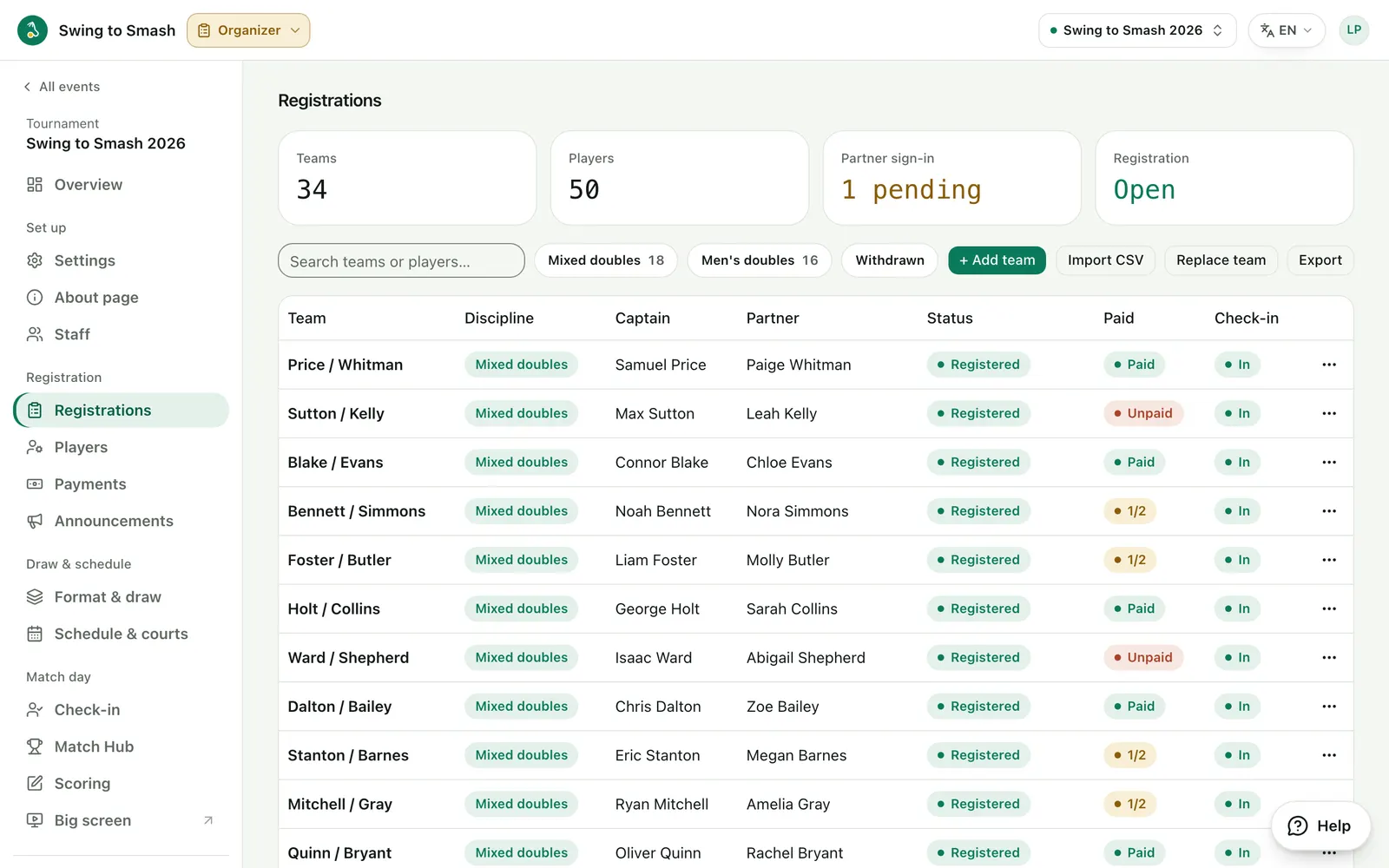
8 Add or fix a team yourself
Enter walk-ups, swap a partner or change a discipline. As the organizer, you're not held to the sign-up limits.
swingtosmash.com/admin/registrations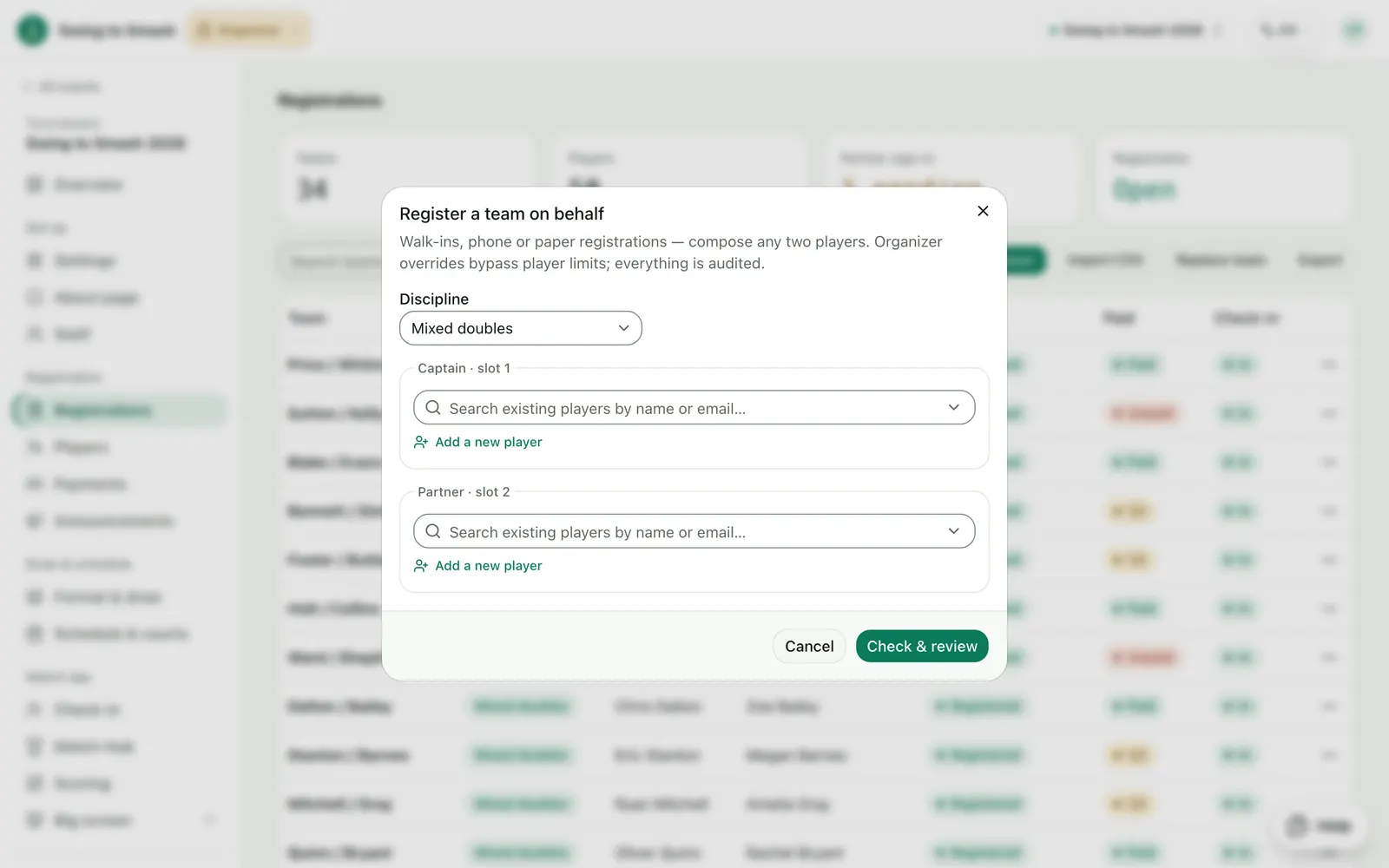
9 Collect the fees
Each player gets a reference code to add to their payment. Match it against your bank and mark them paid.
swingtosmash.com/admin/payments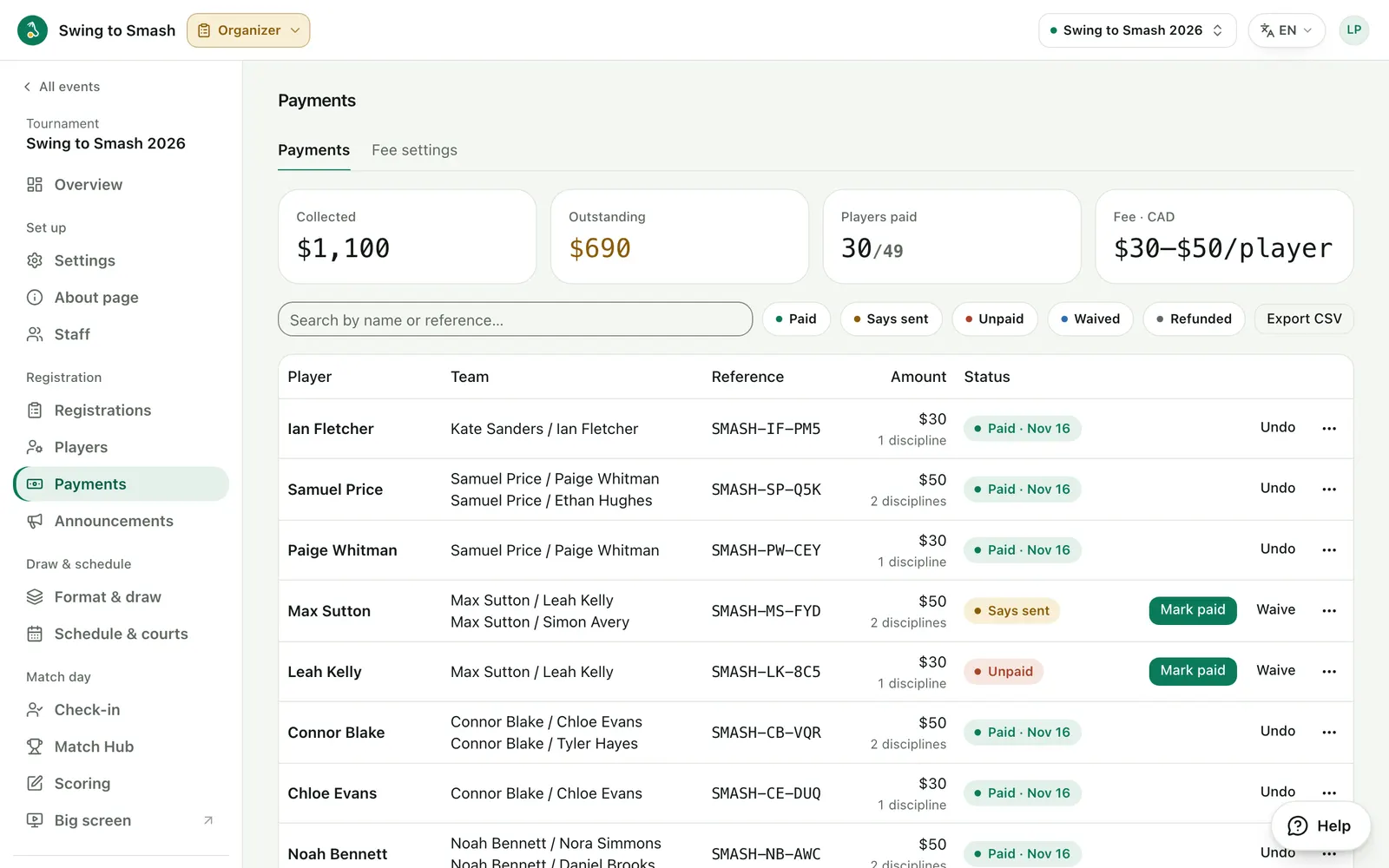
10 Keep players posted
Send an update to everyone, one discipline or one group, in the app and by email.
swingtosmash.com/admin/announcements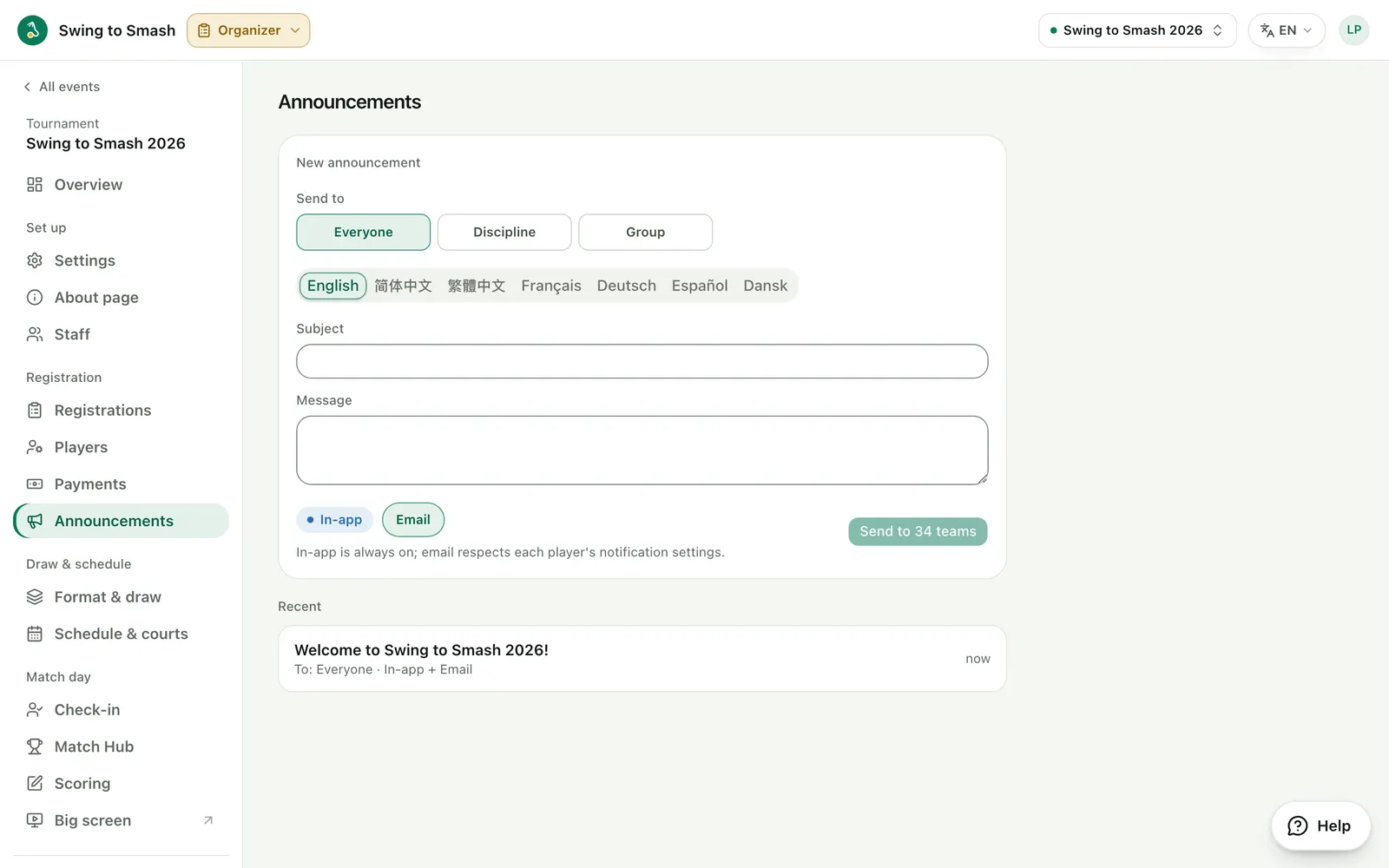
Draw & schedule
4 steps11 Choose the format
Round-robin, knockout, groups then knockout, or flights with plates so every team keeps playing, with the scoring for each stage.
swingtosmash.com/admin/format?tab=format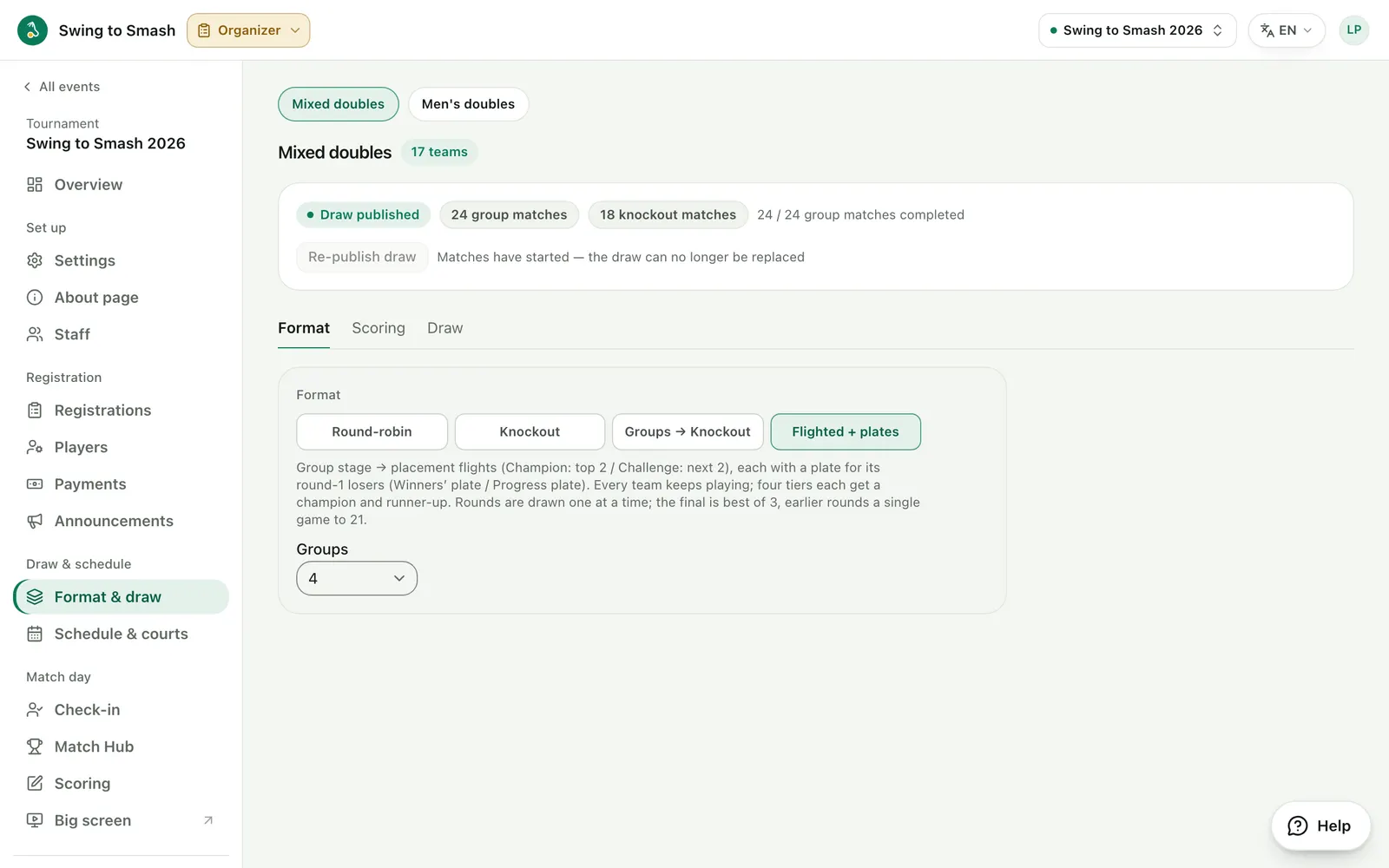
12 Make the draw
Seed the teams, drag them into groups and publish. Players see their group right away.
swingtosmash.com/admin/format?tab=draw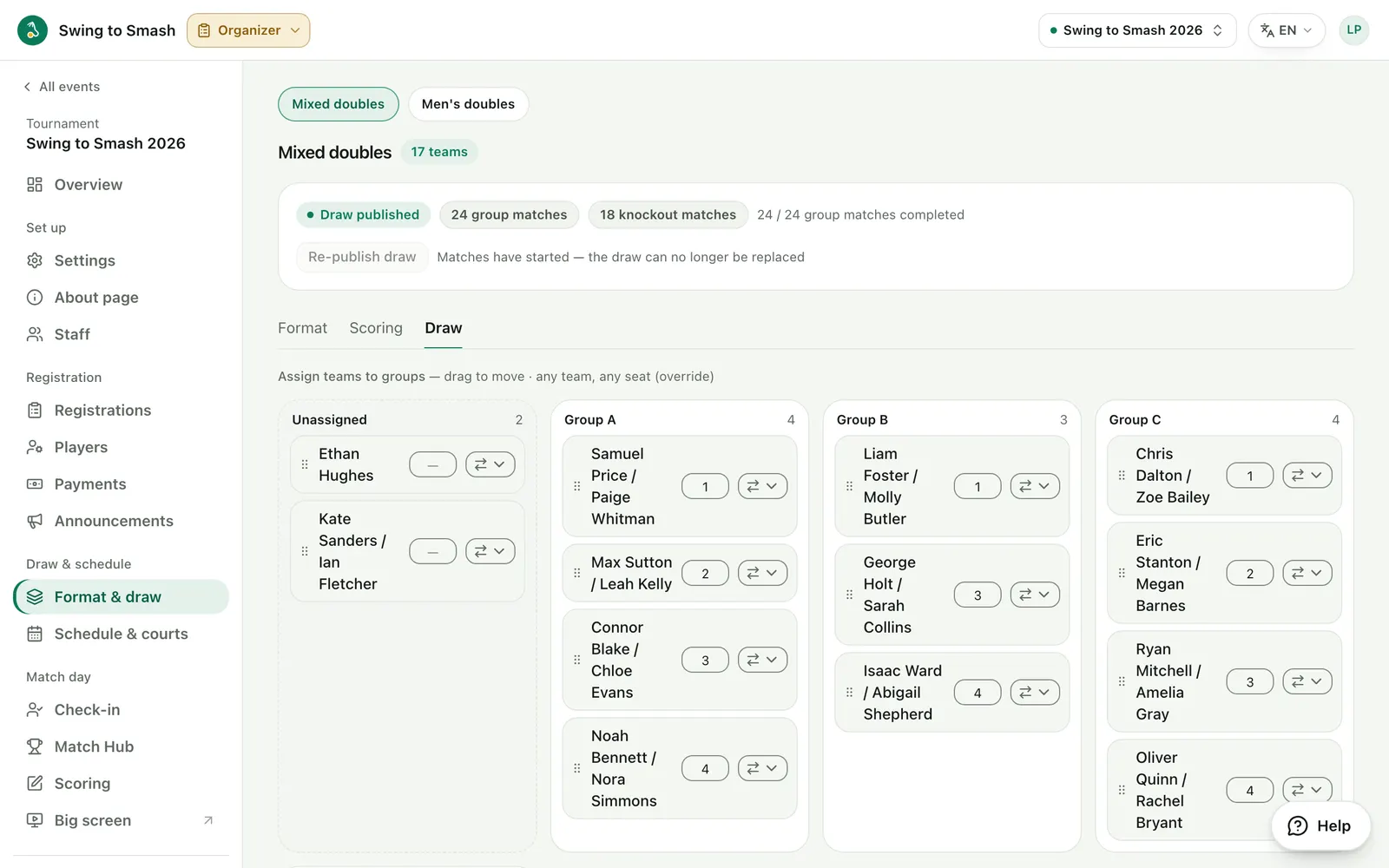
13 Schedule the courts
Auto-schedule every match onto your courts, then fine-tune the timeline. Double-bookings are caught for you.
swingtosmash.com/admin/schedule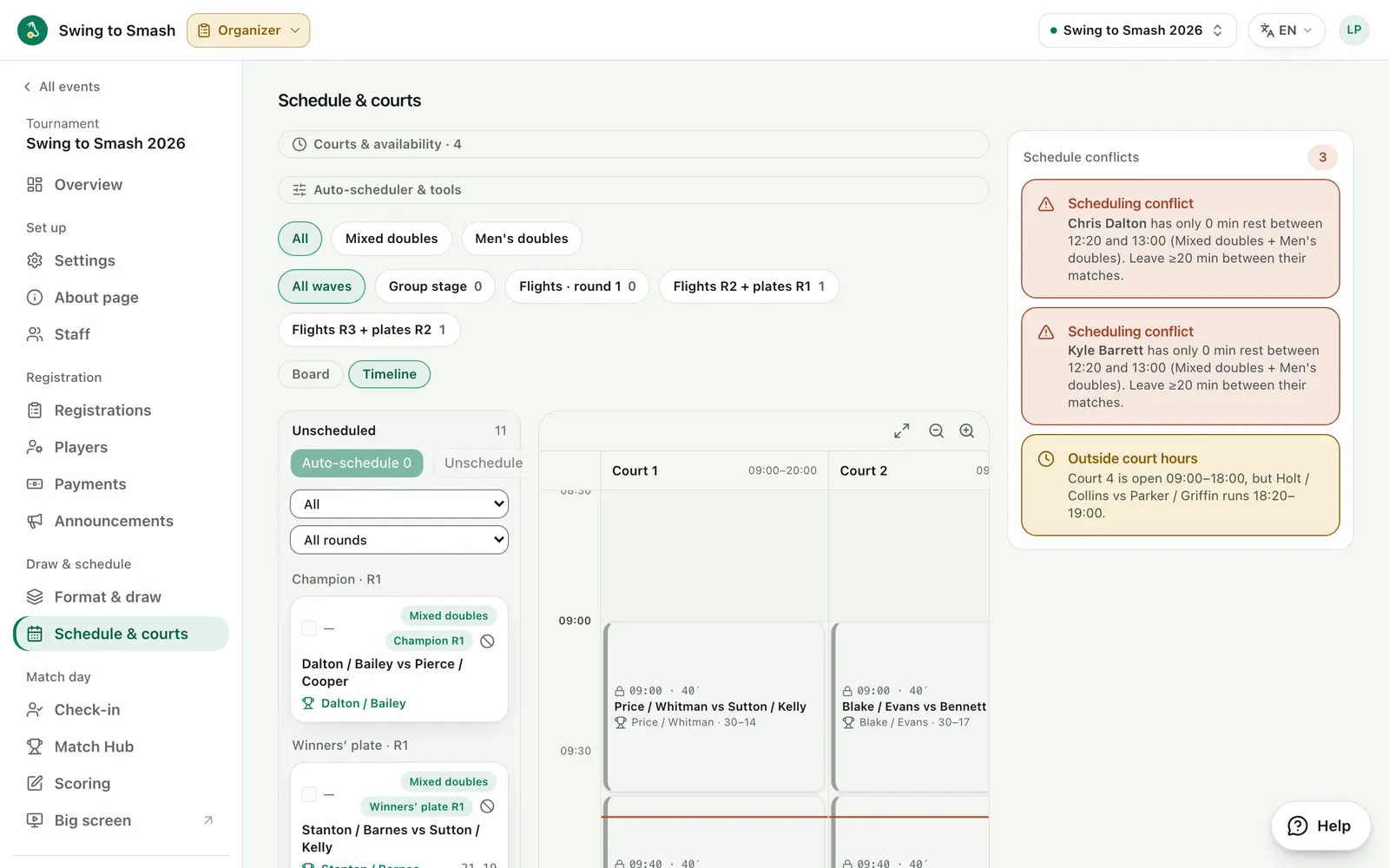
14 Bring in scorers
Invite scorers and co-organizers with a link. Scorers get the scoring app and nothing else.
swingtosmash.com/admin/staff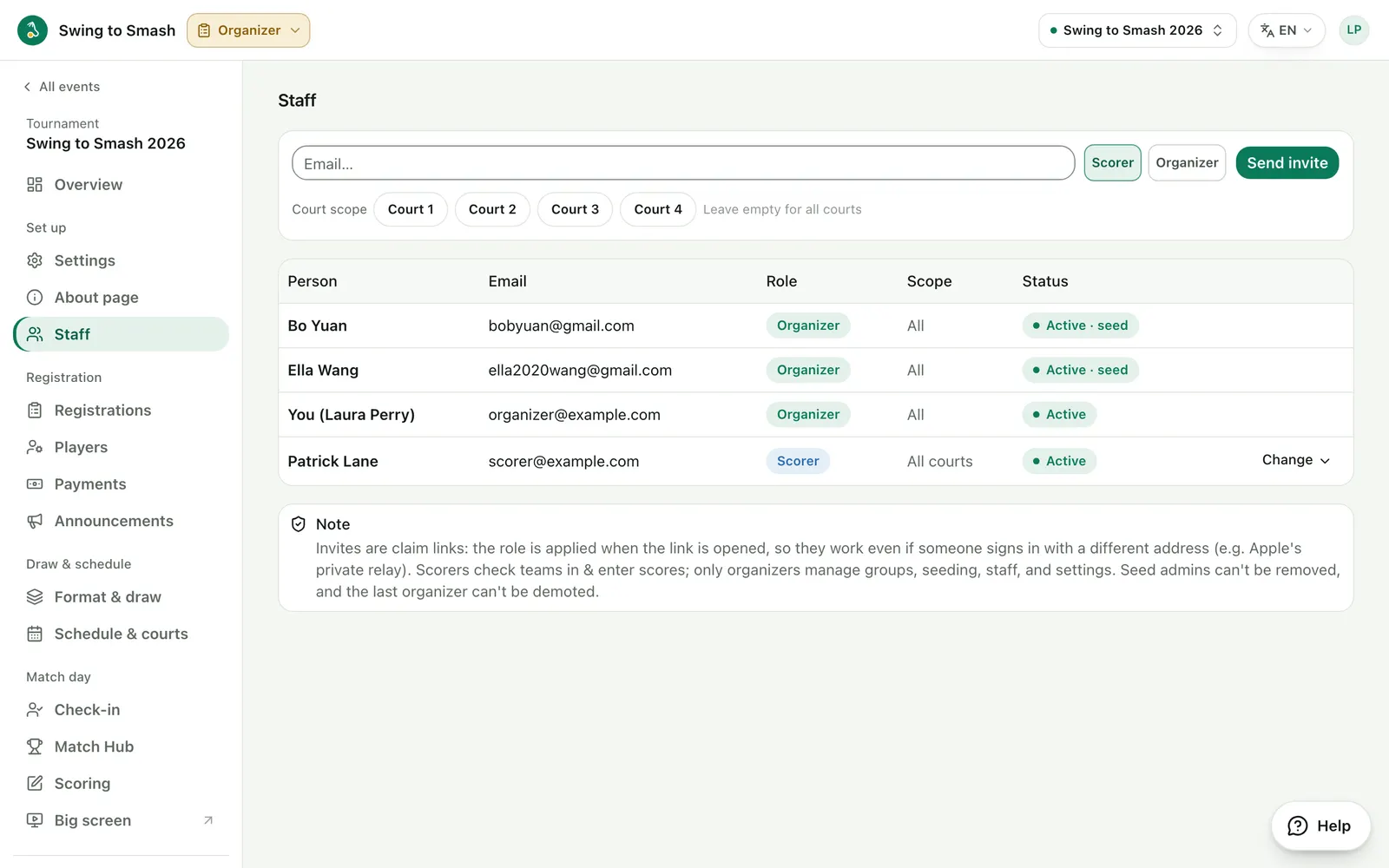
Match day
5 steps15 Check teams in
Mark teams present as they arrive. You can require check-in before a team plays.
swingtosmash.com/checkin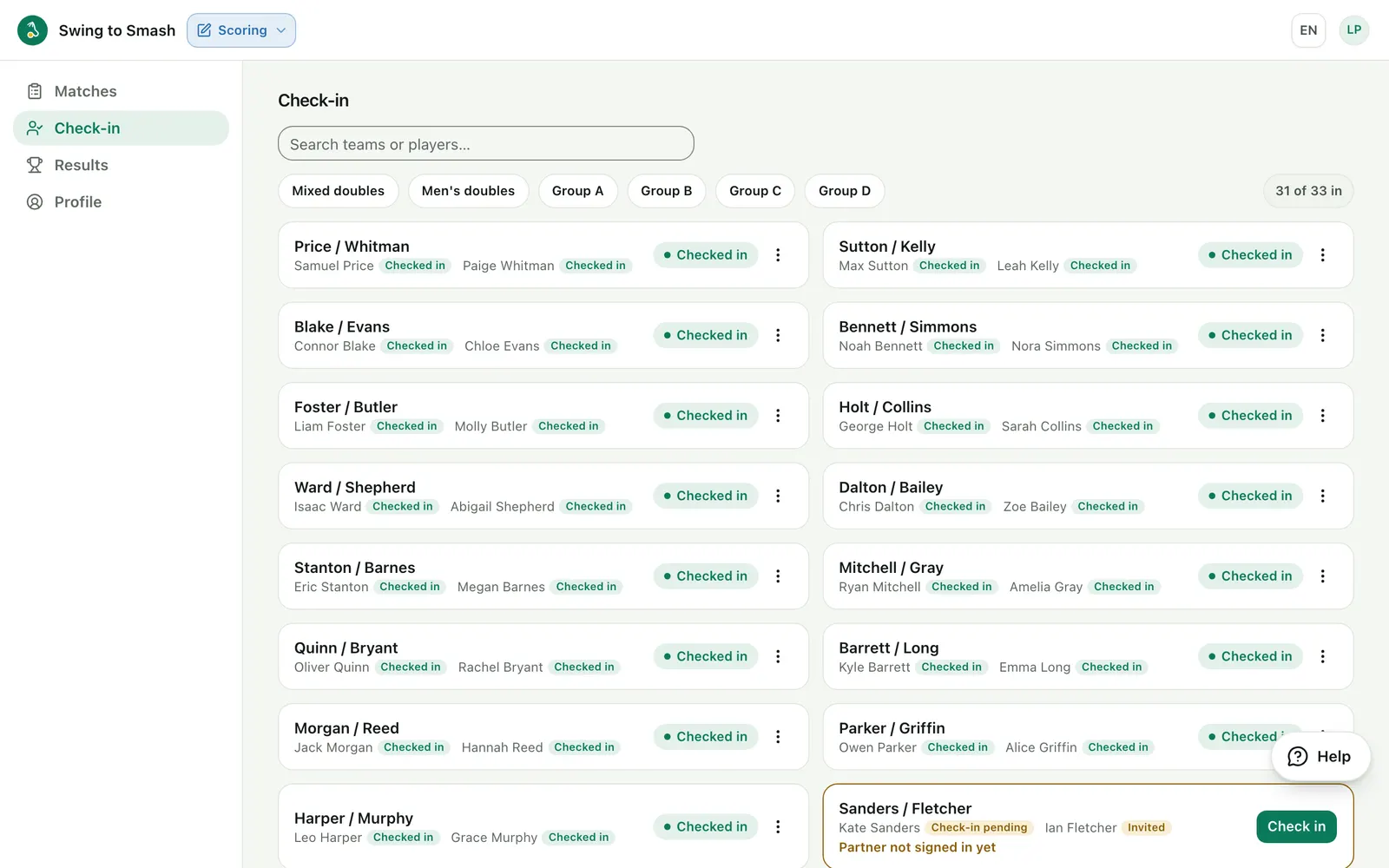
16 Run the day
Every draw at a glance, with what needs you next: a live match to score, matches to schedule, the next round to draw.
swingtosmash.com/admin/hub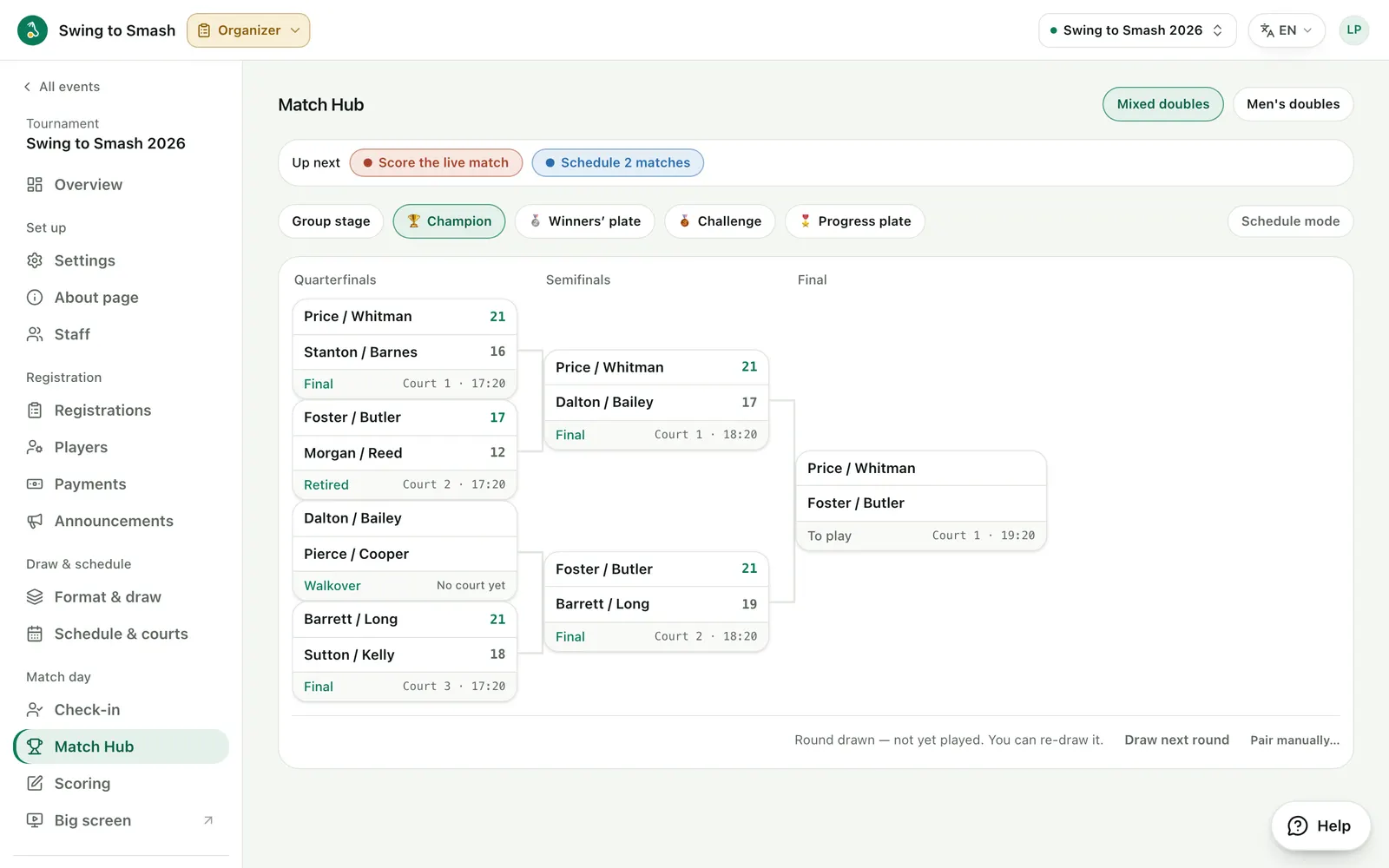
17 Score on any device
Scorers enter points on a phone, tablet or laptop. Scores save as they go, even on a patchy connection.
swingtosmash.com/score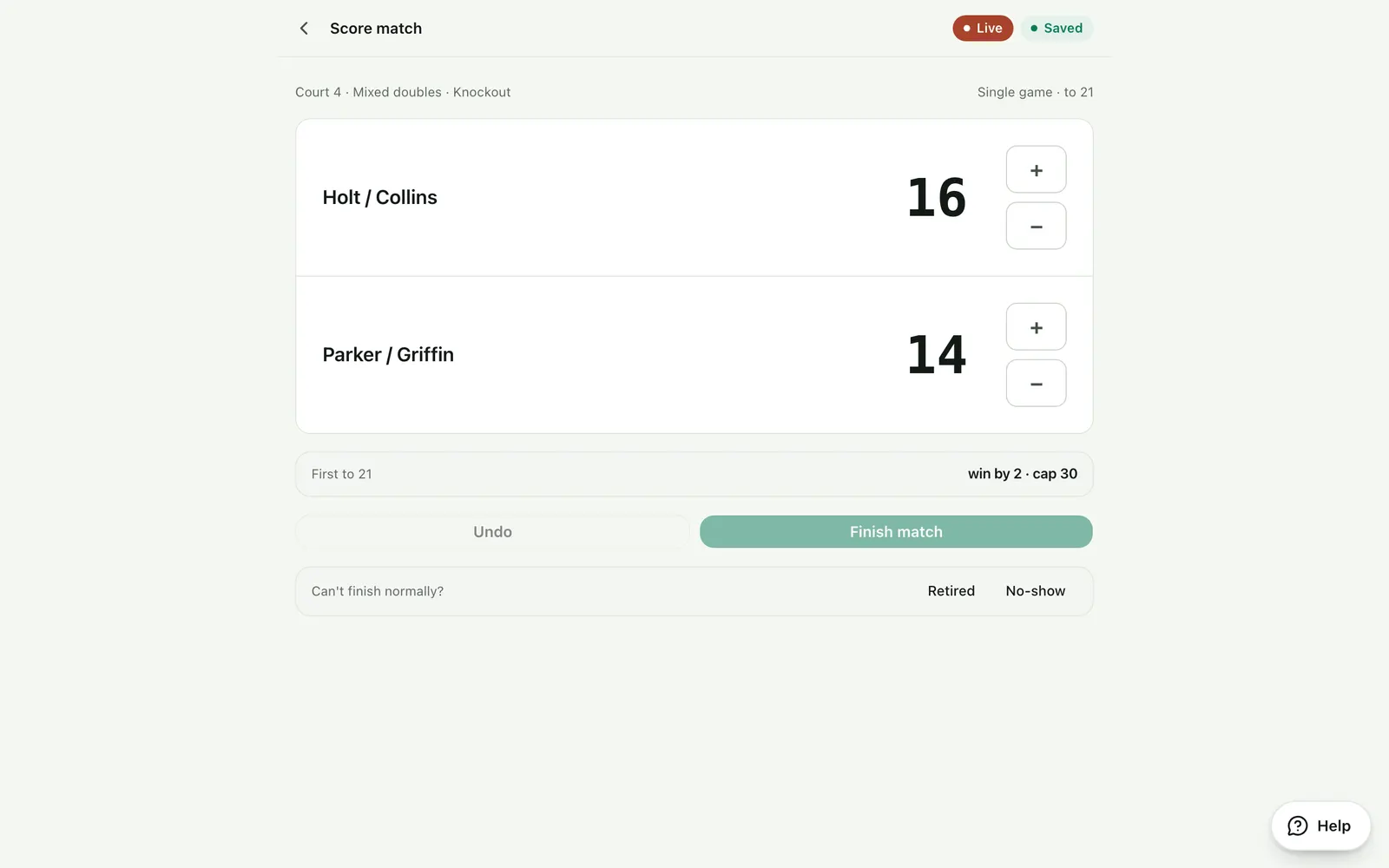
18 Results go live
Standings and brackets update for everyone as each match ends.
swingtosmash.com/e/2026/bracket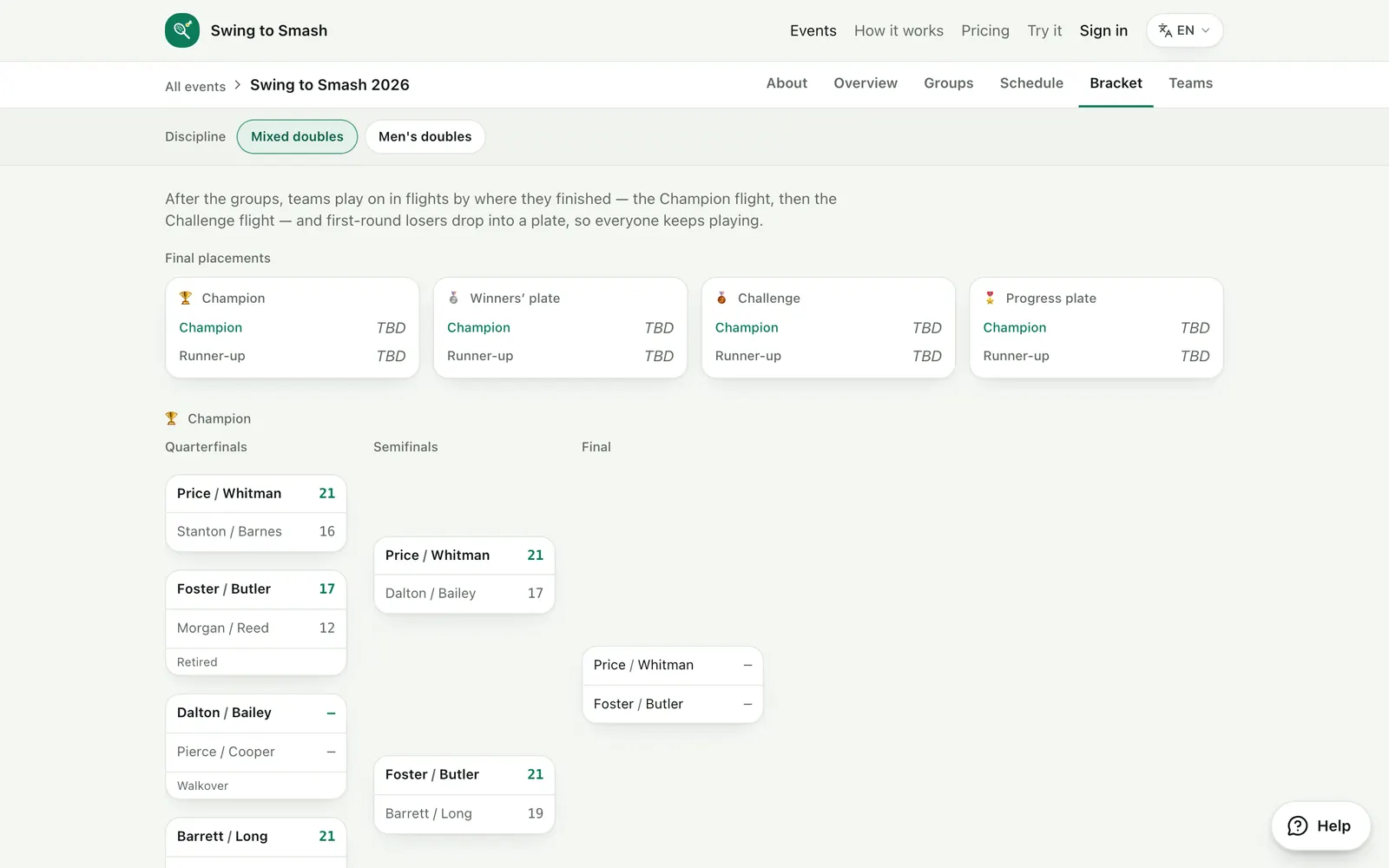
19 Put it on the big screen
A venue board with live courts and what's next, made for a TV at the gym.
swingtosmash.com/display?e=2026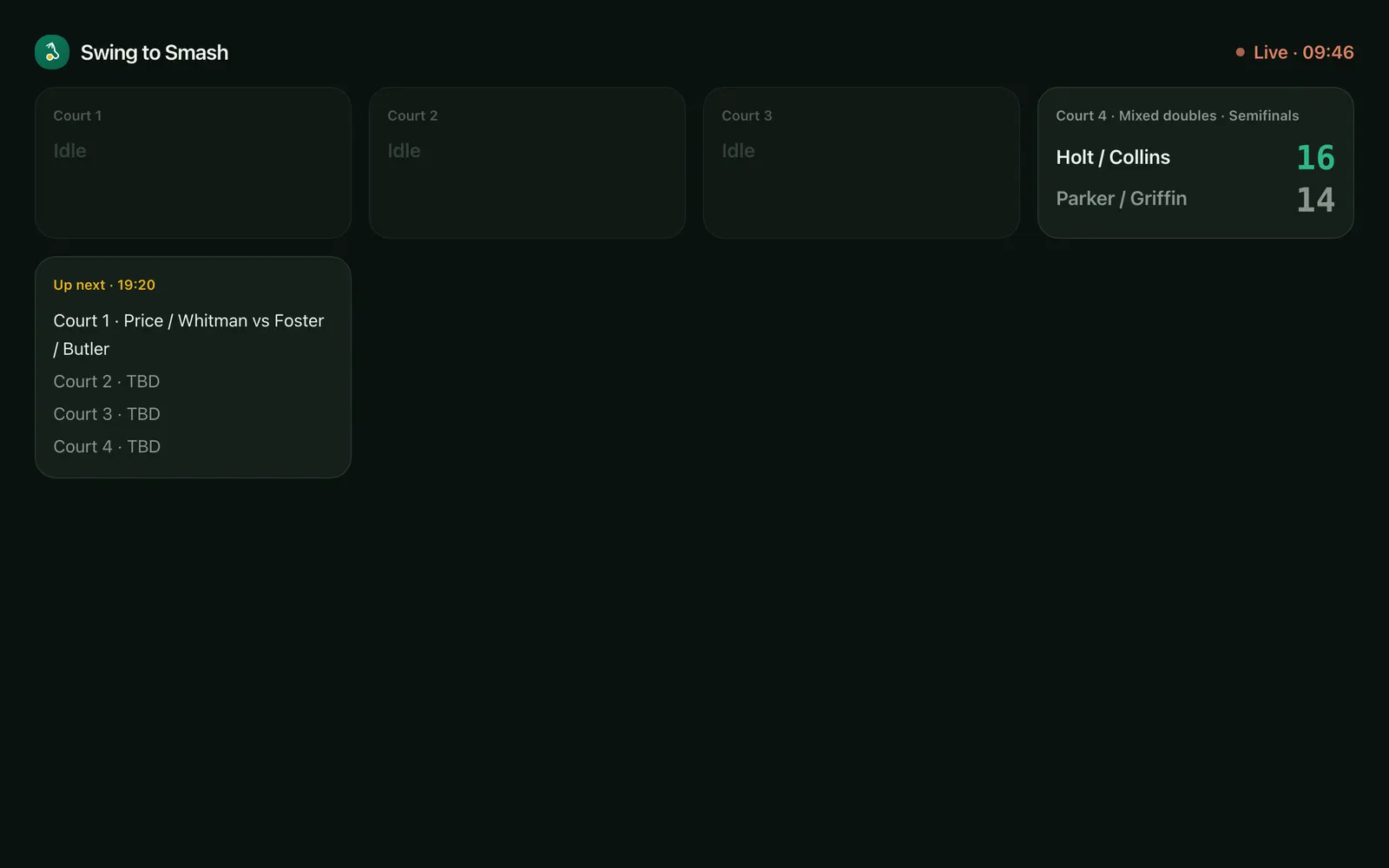
Ready to run yours?
Your first event is free, with no card needed.
Players
What a player sees on their phone, from finding an event to following the scores.
Get started
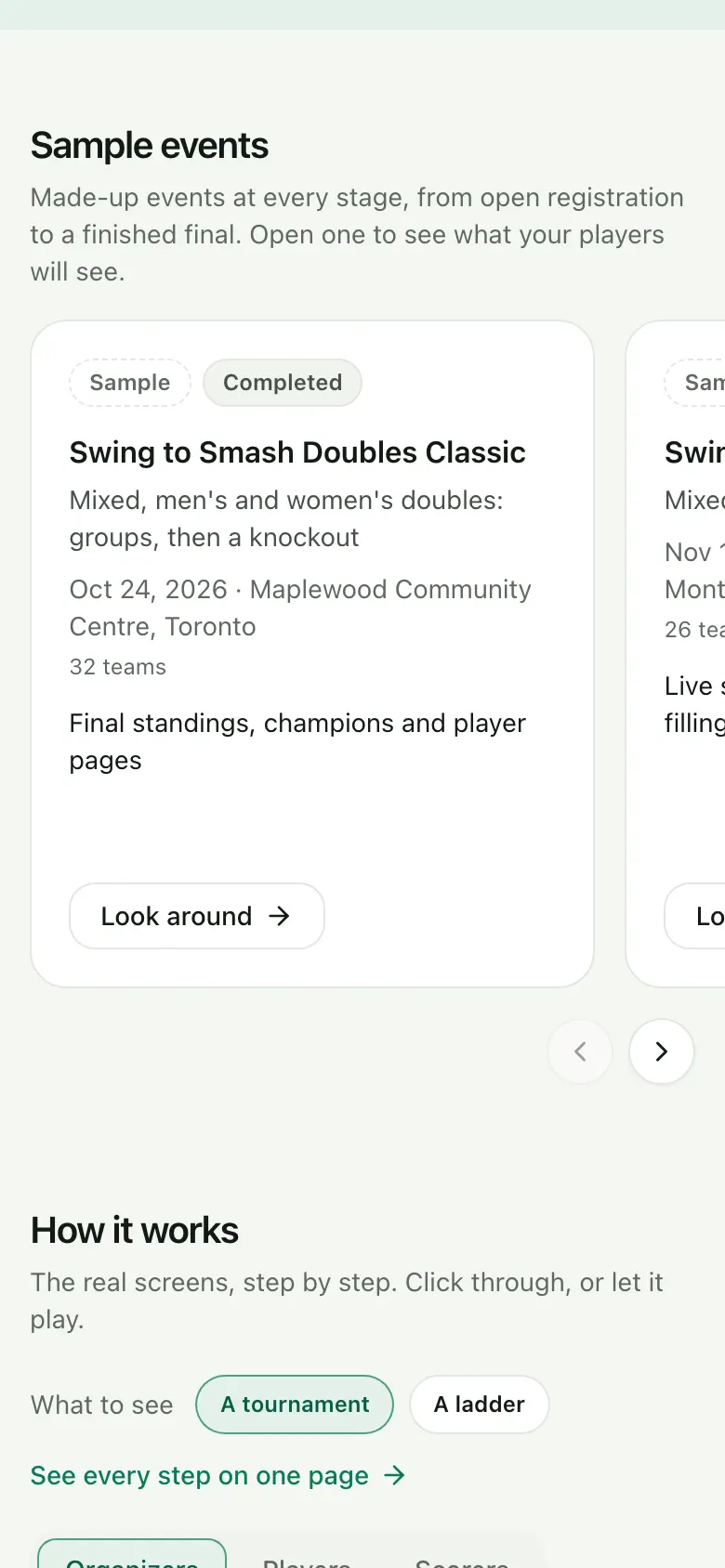
5 steps1 Find an event
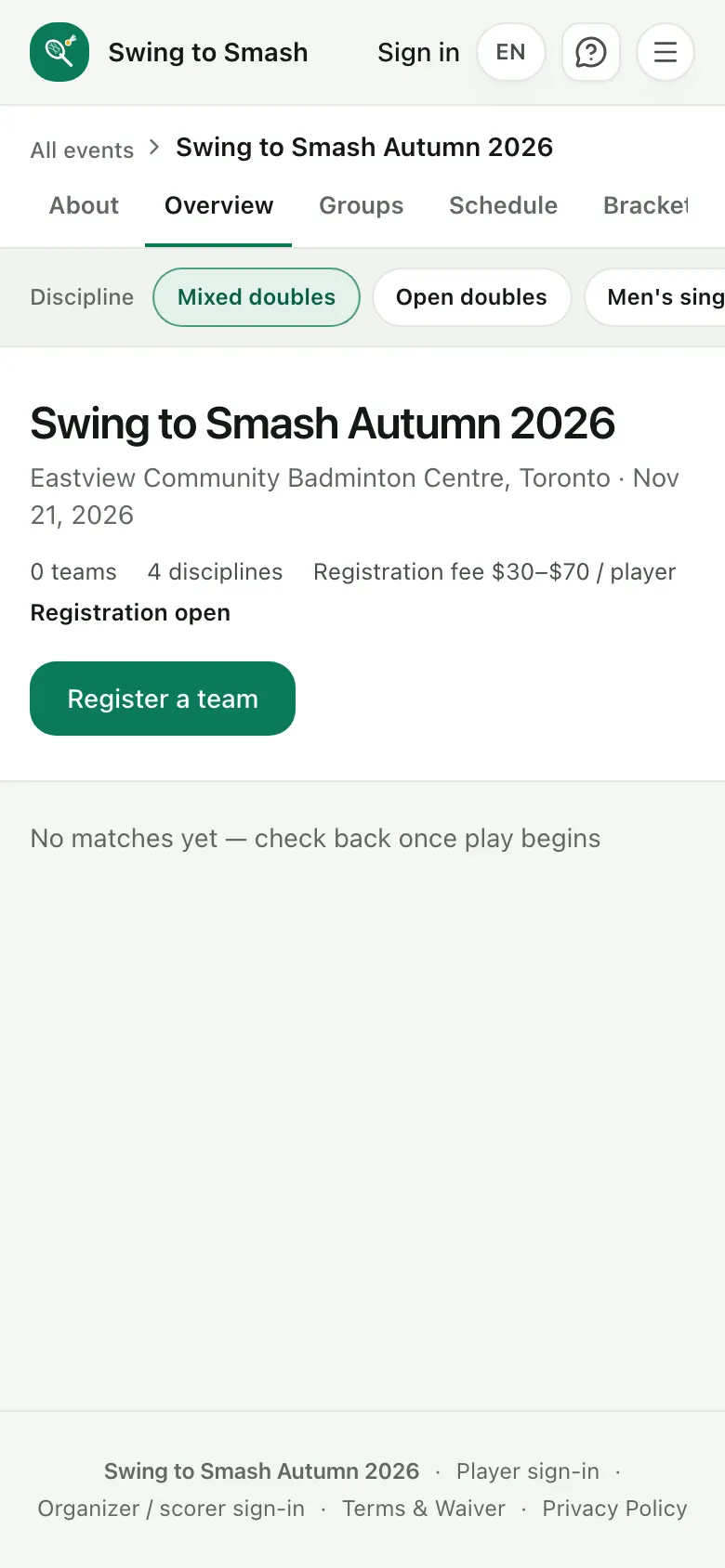
Open events are on the home page, with the dates, venue and how to join.
2 Open the event page
Dates, venue, disciplines and the fee if there is one, with a button to register.
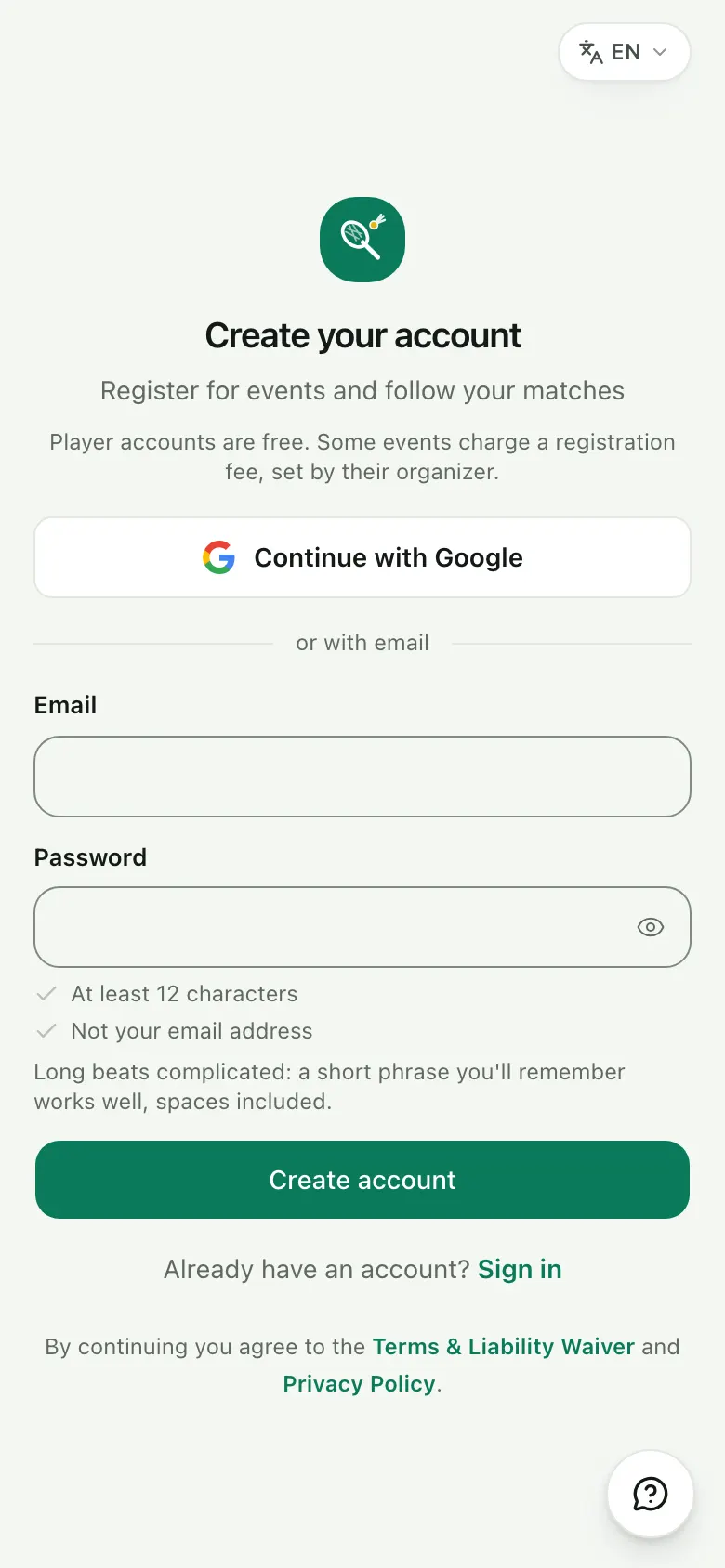
3 Create a free account
Use an account you already have, such as Google, or sign up with your email and a password. Player accounts are always free.
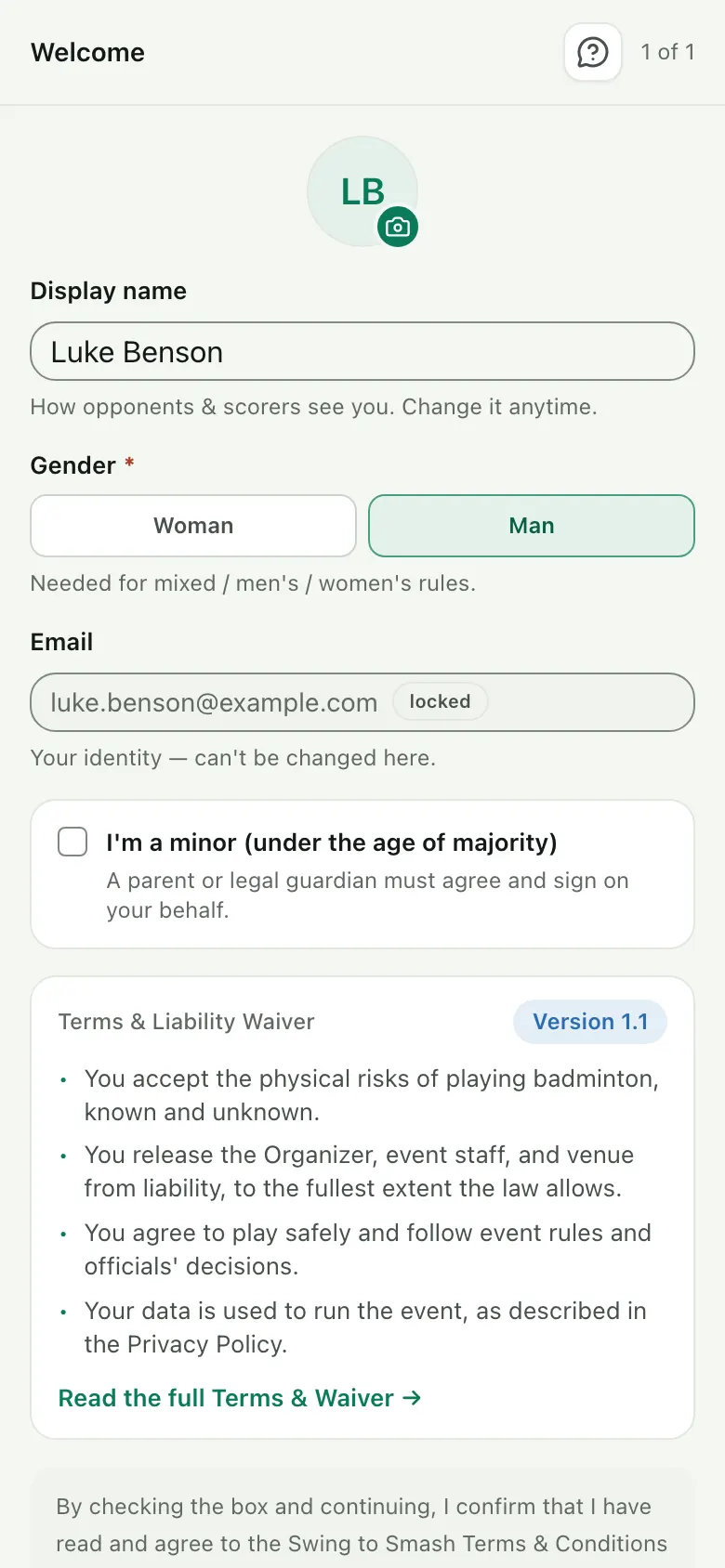
4 Set up your profile
Your name and gender, so the right disciplines open up for you.
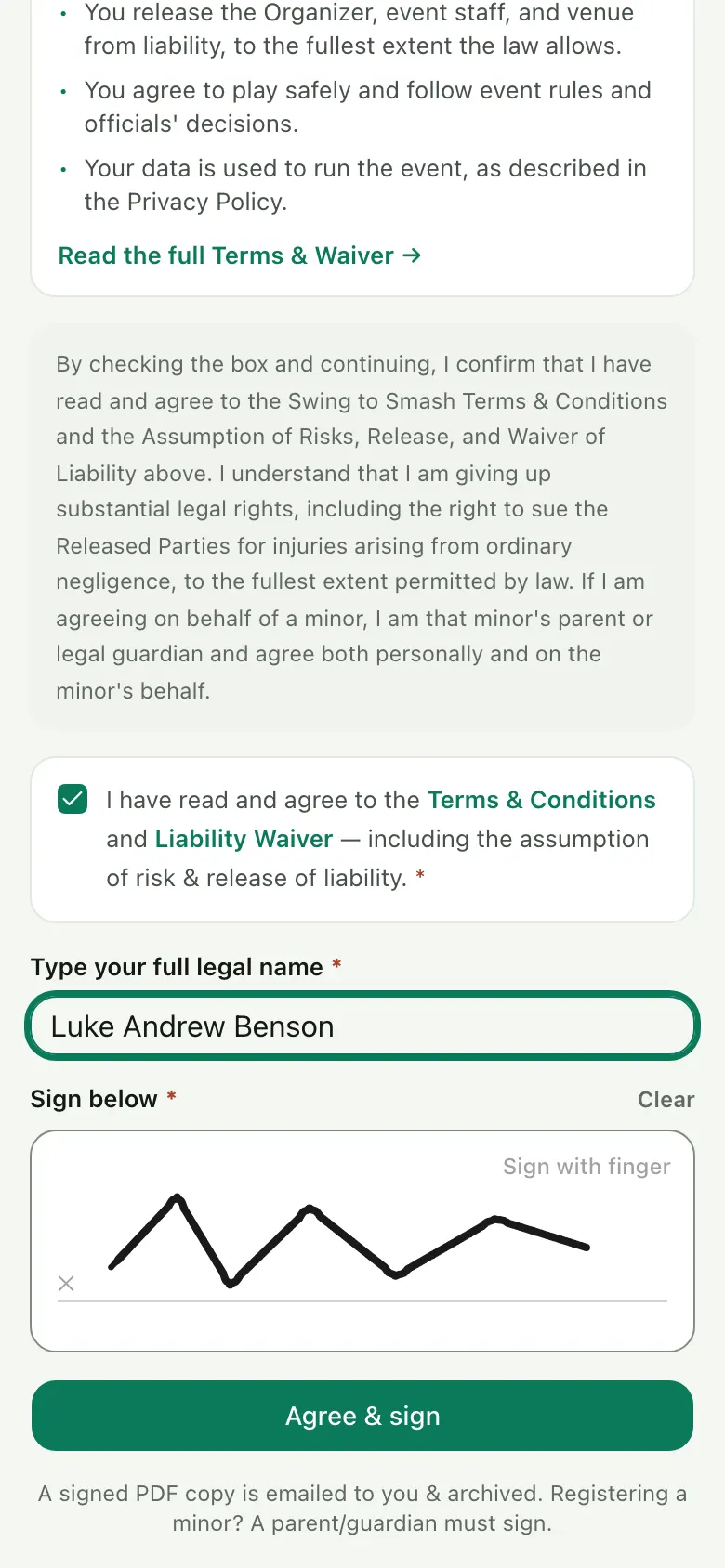
5 Sign the waiver
Read it and sign with your finger. A signed copy is emailed to you.
Register
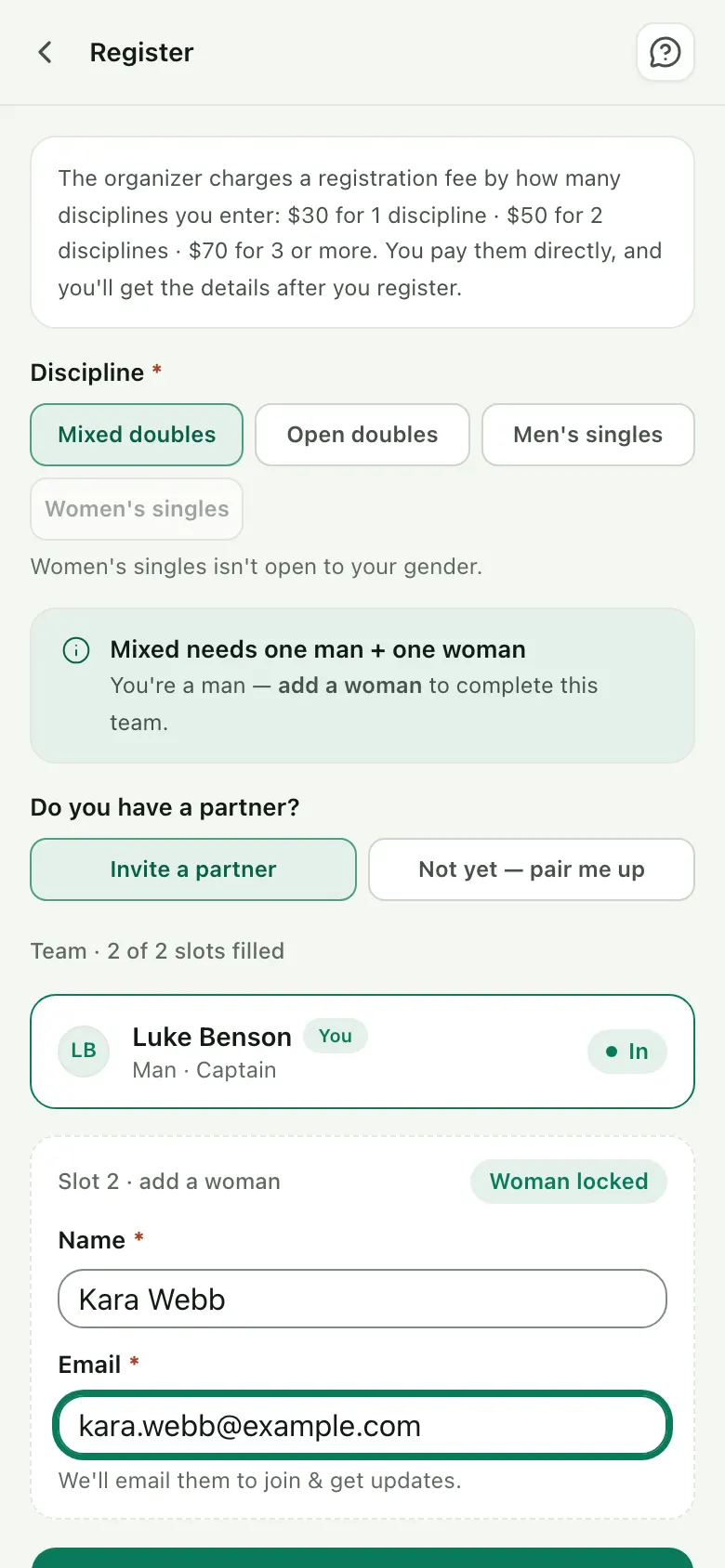
4 steps6 Enter a discipline
Play singles on your own, or add your partner's name and email for doubles.
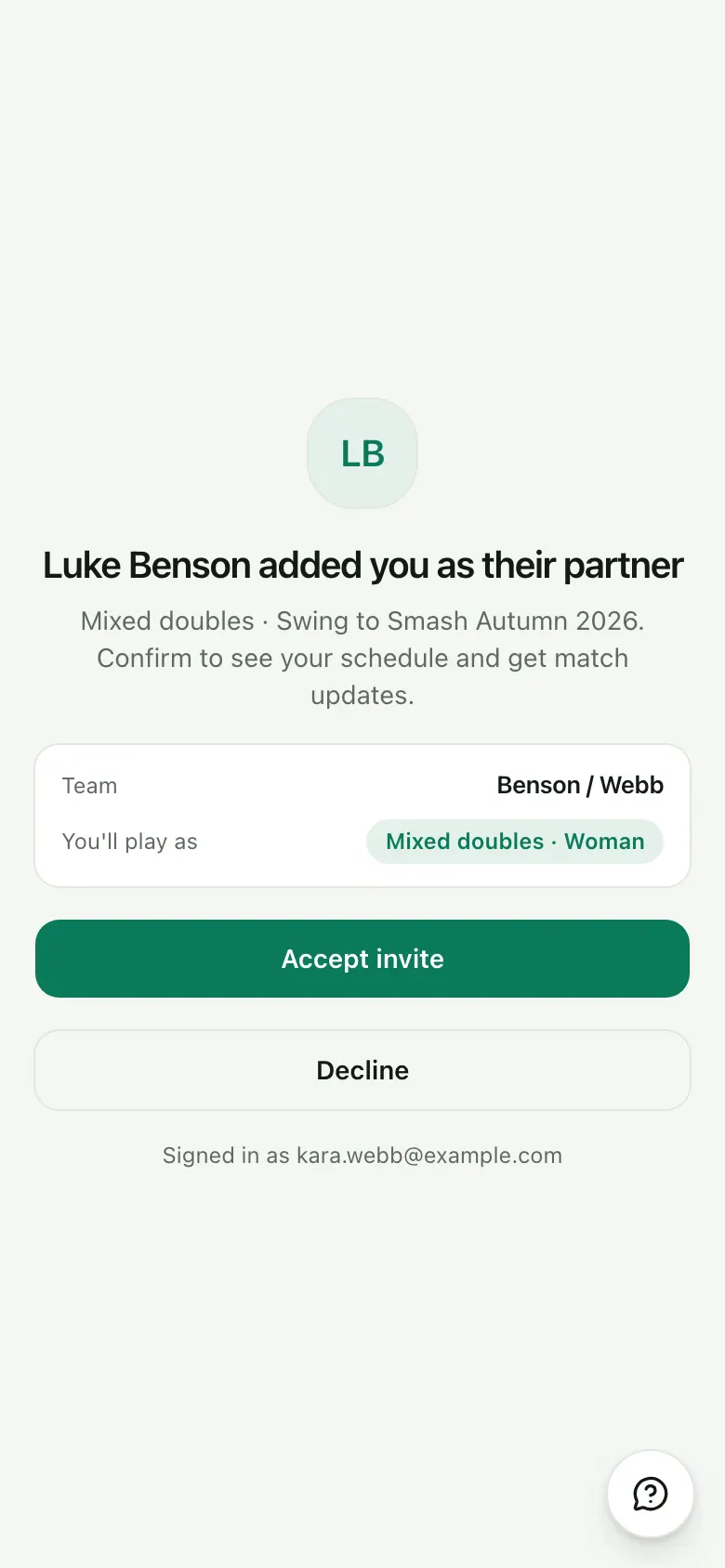
7 Your partner accepts
They get an email link and accept in a tap, with their own free account.
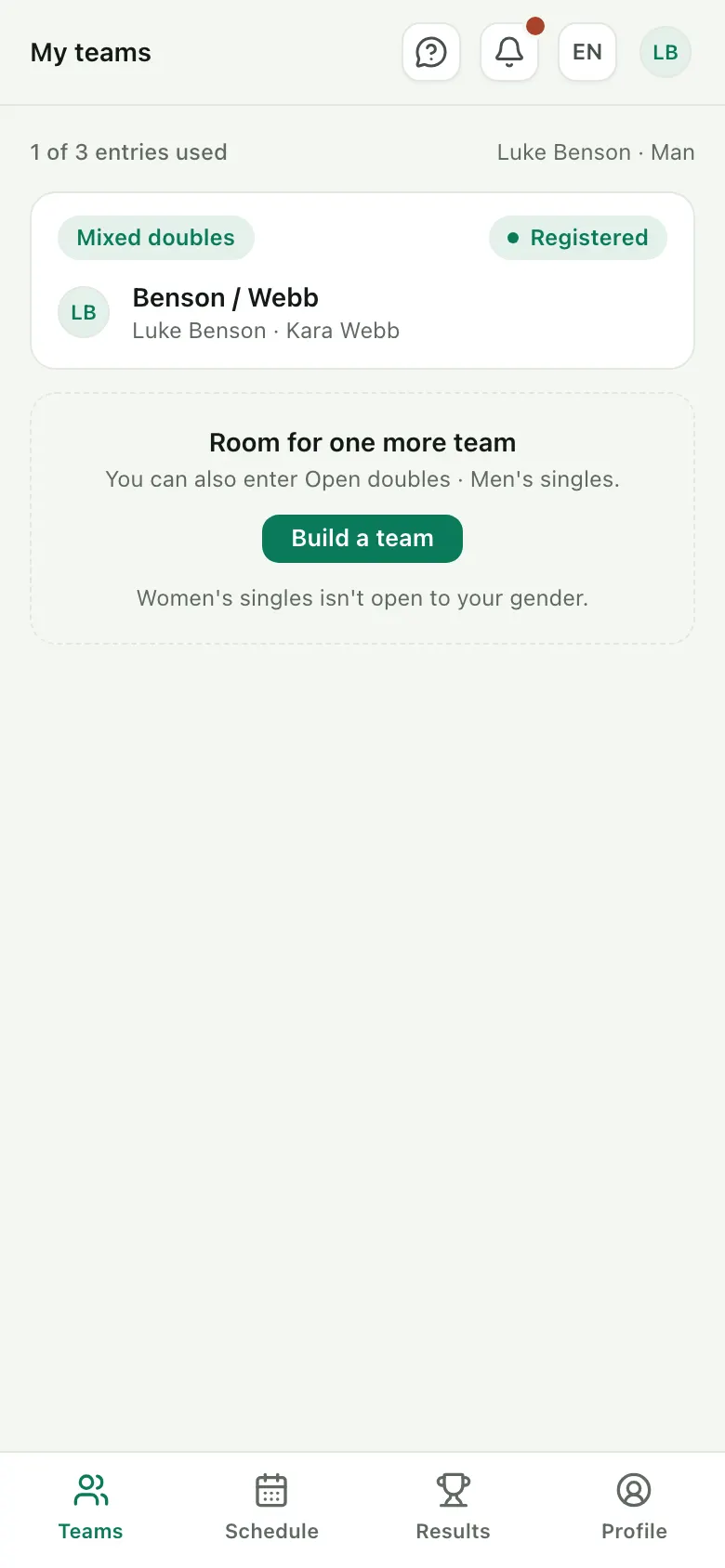
8 You're in
Your entries, partners and status, all in one place.
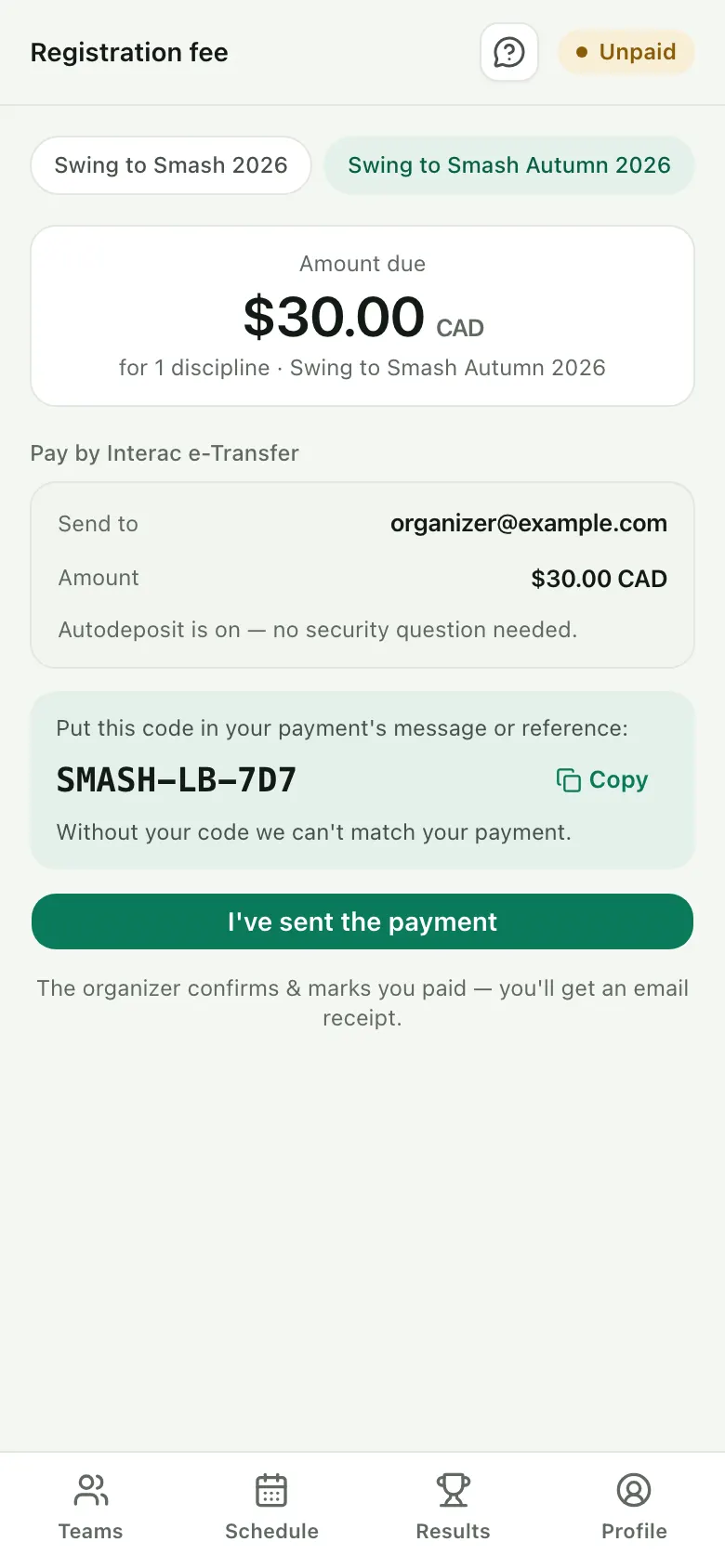
9 Pay the organizer
If there's a fee, you see the amount, how to pay and a reference code to add to your payment.
Play
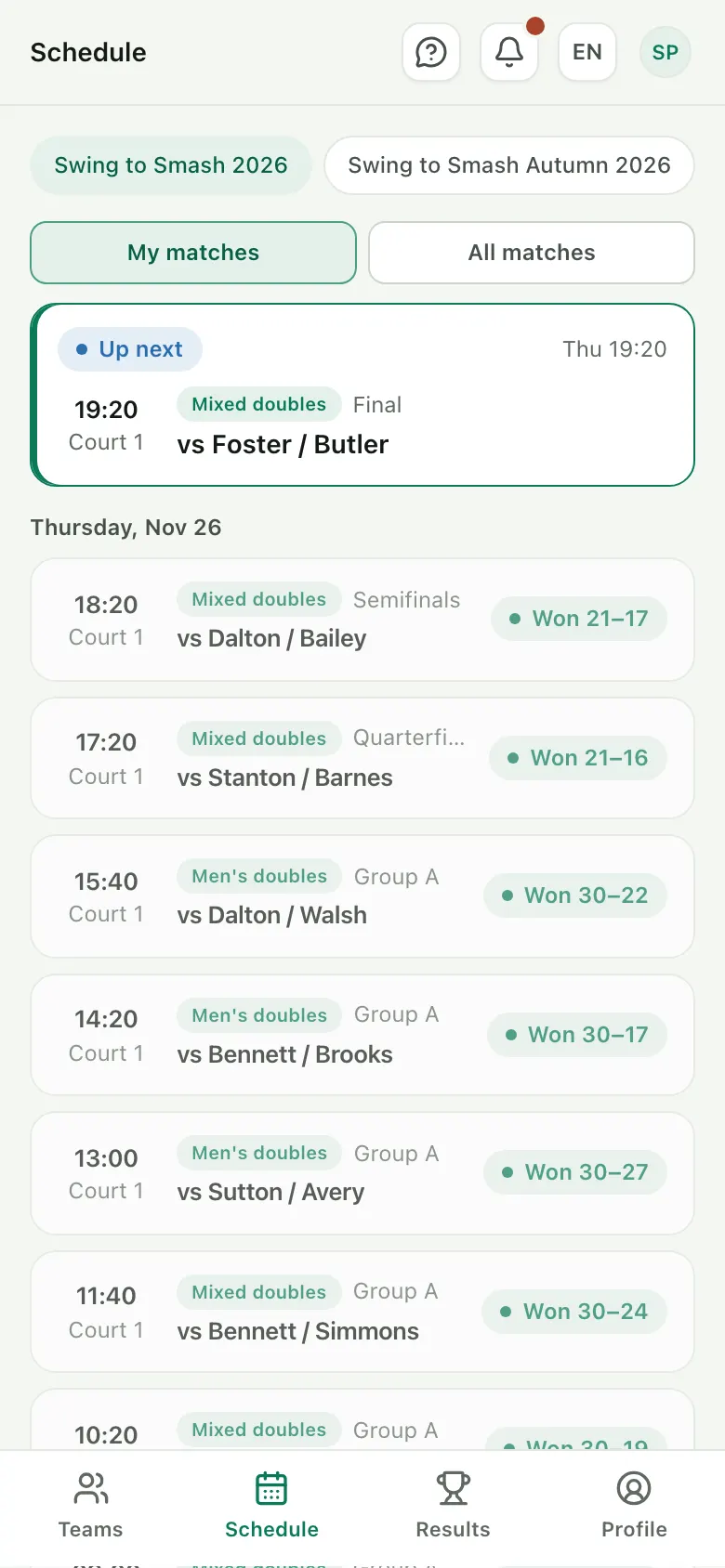
3 steps10 Check your schedule
See when and where you play, with a heads-up before each match.
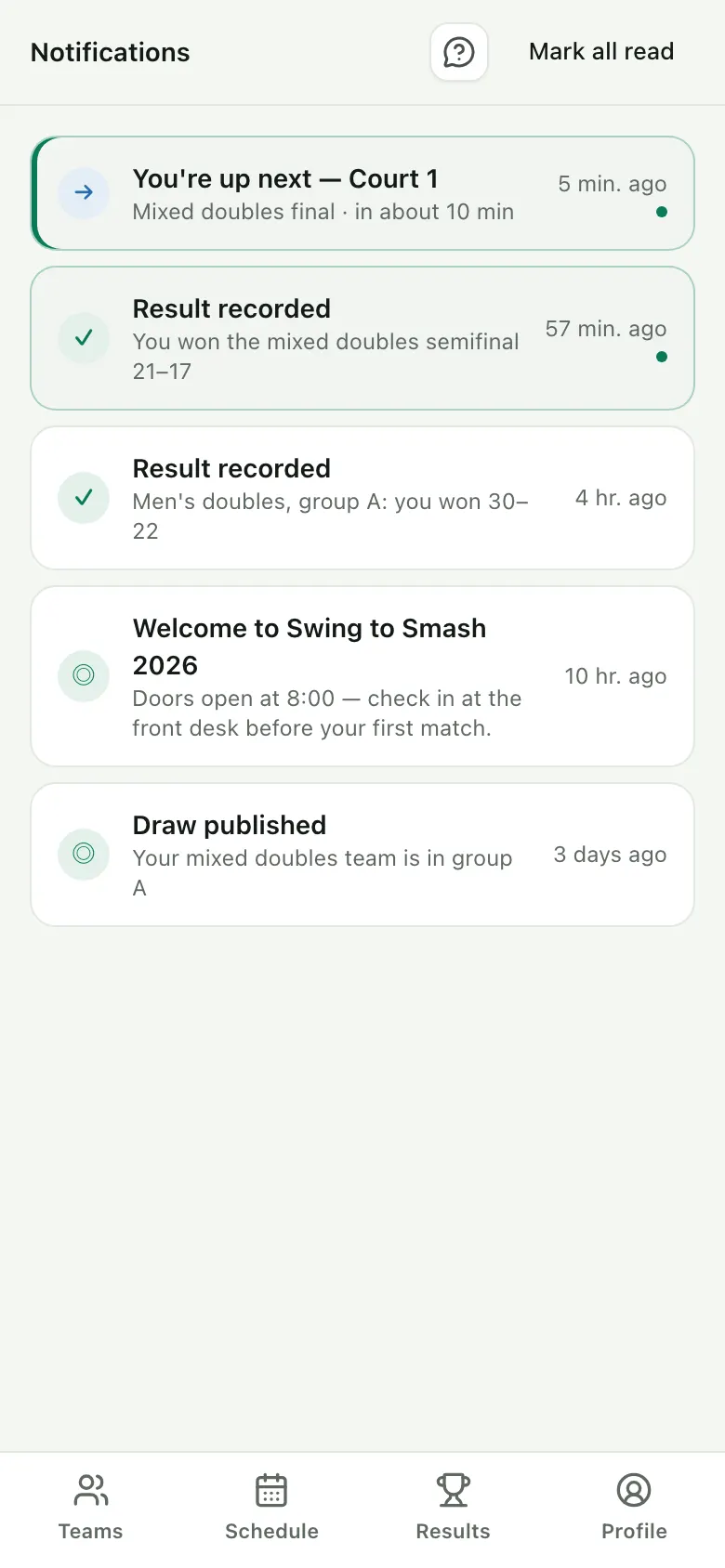
11 Get match alerts
When you're up next and on which court, plus results and news from the organizer.
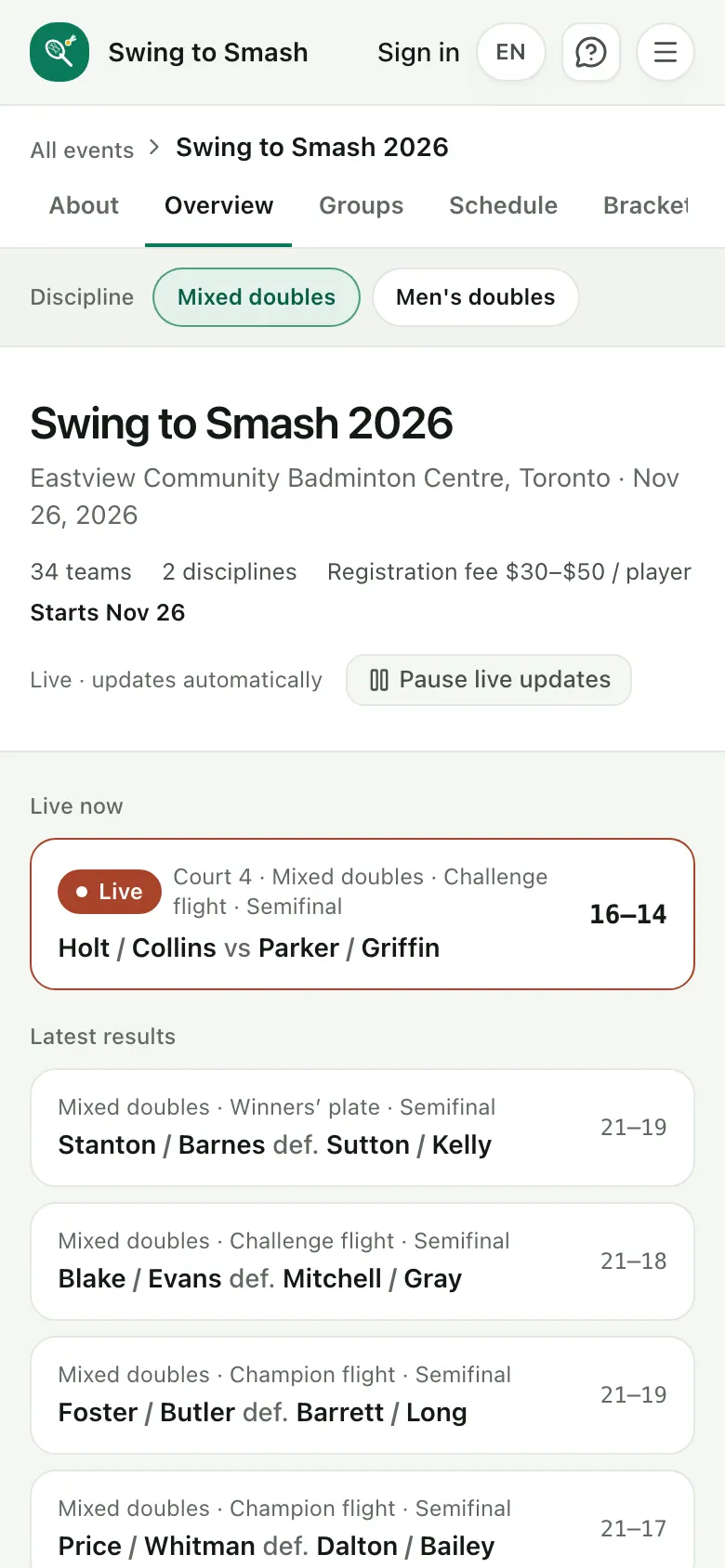
12 Follow the scores
Live scores, standings and brackets on your phone, in English, French, German, Spanish, Danish or Chinese.
Ready to play?
Player accounts are always free. Pick an event that's open and register.
Scorers
What a scorer sees on their phone, from the invite to the last point. It works on a tablet or laptop too.
Get started
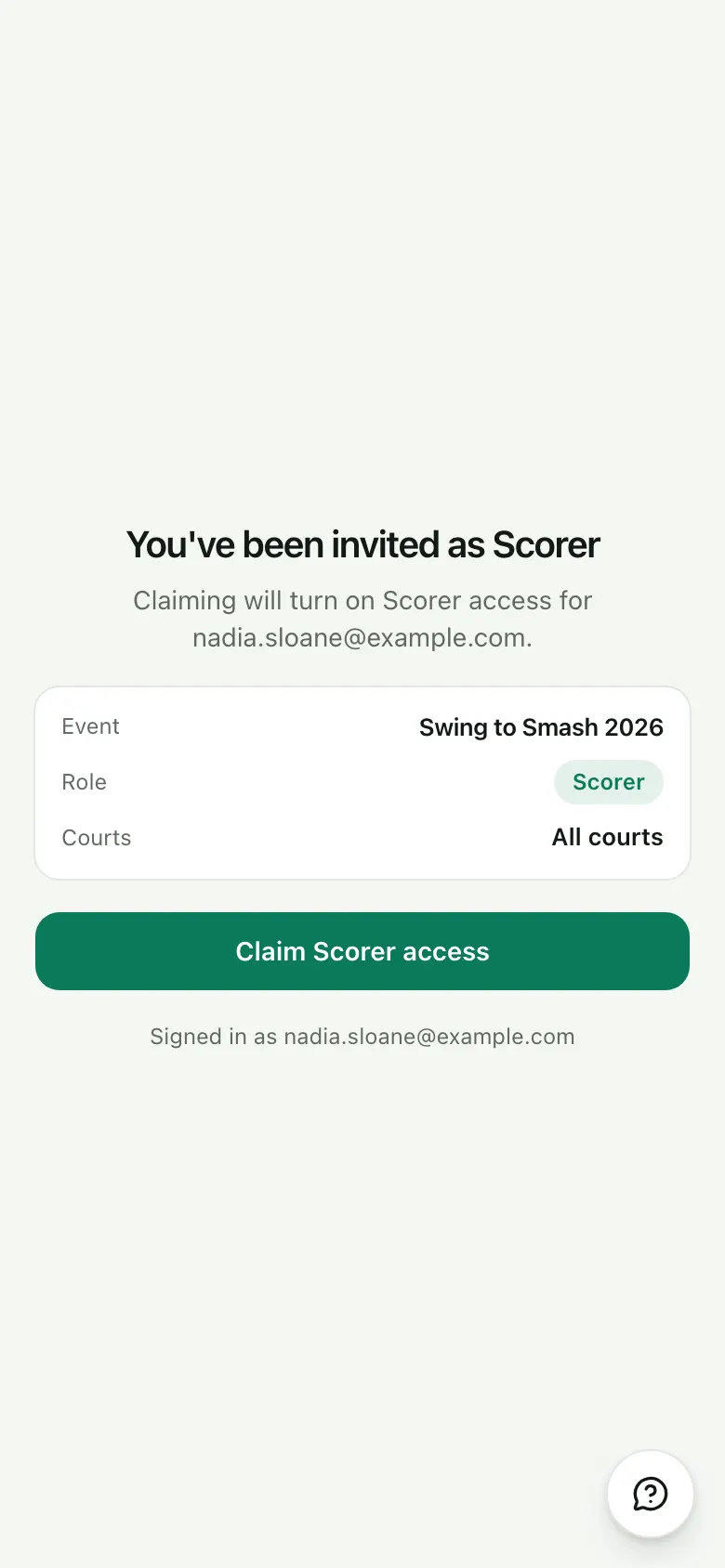
2 steps1 Accept the invite
The organizer sends you a link, for every court or just the ones you look after. Sign in with a free account and claim it.
2 Check teams in
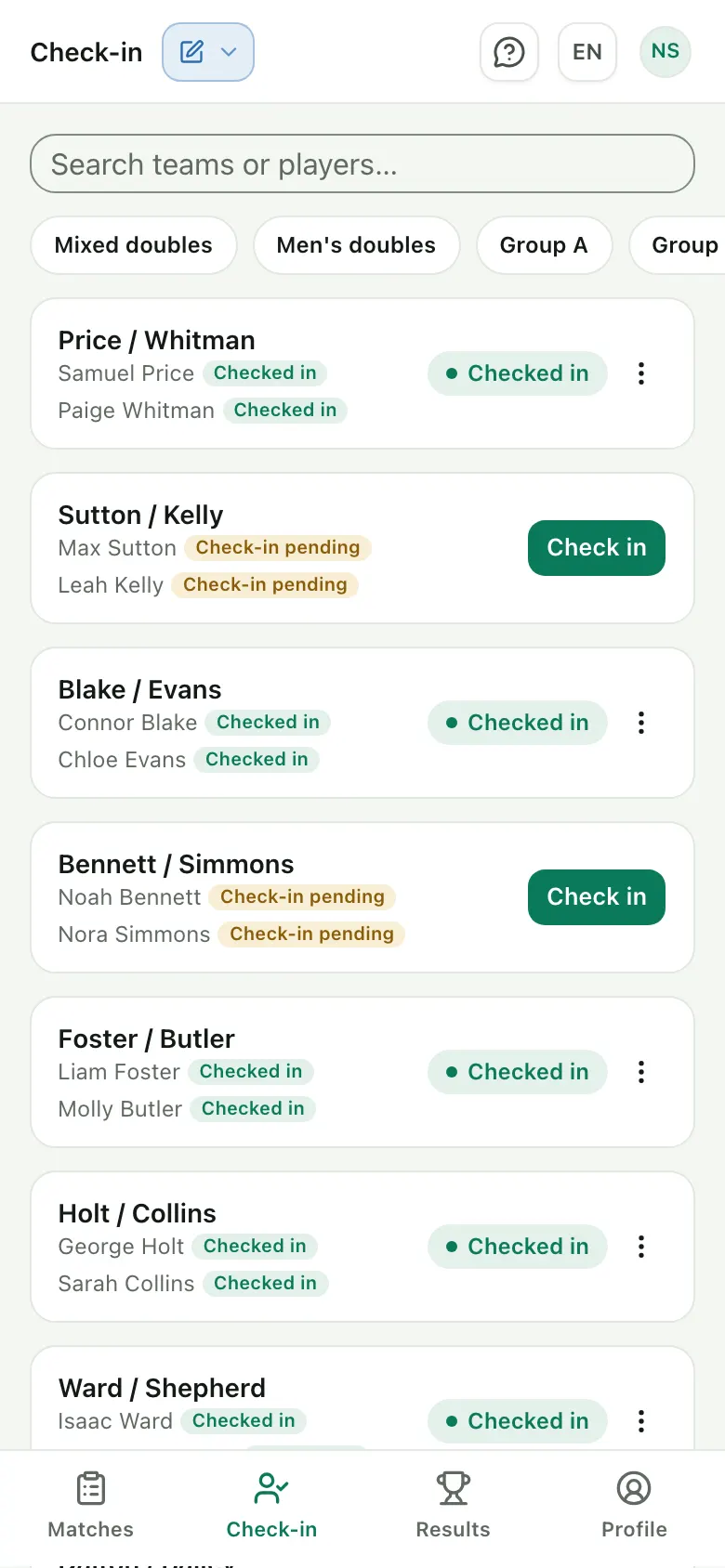
Mark teams present as they arrive, and see at a glance who hasn't turned up yet.
Score
4 steps3 Pick a match
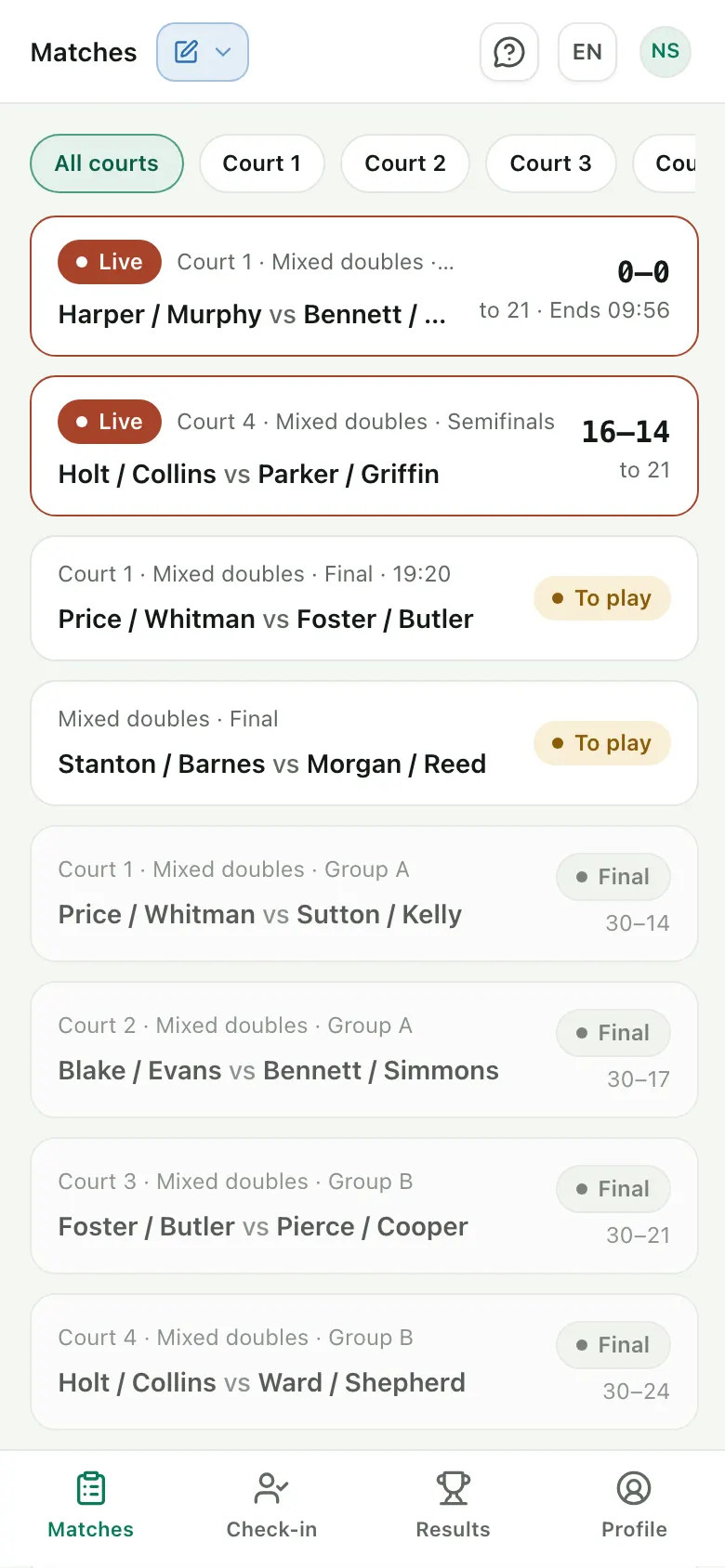
Live and upcoming matches on your courts, with the score so far and when a timed match ends.
4 Score rally by rally
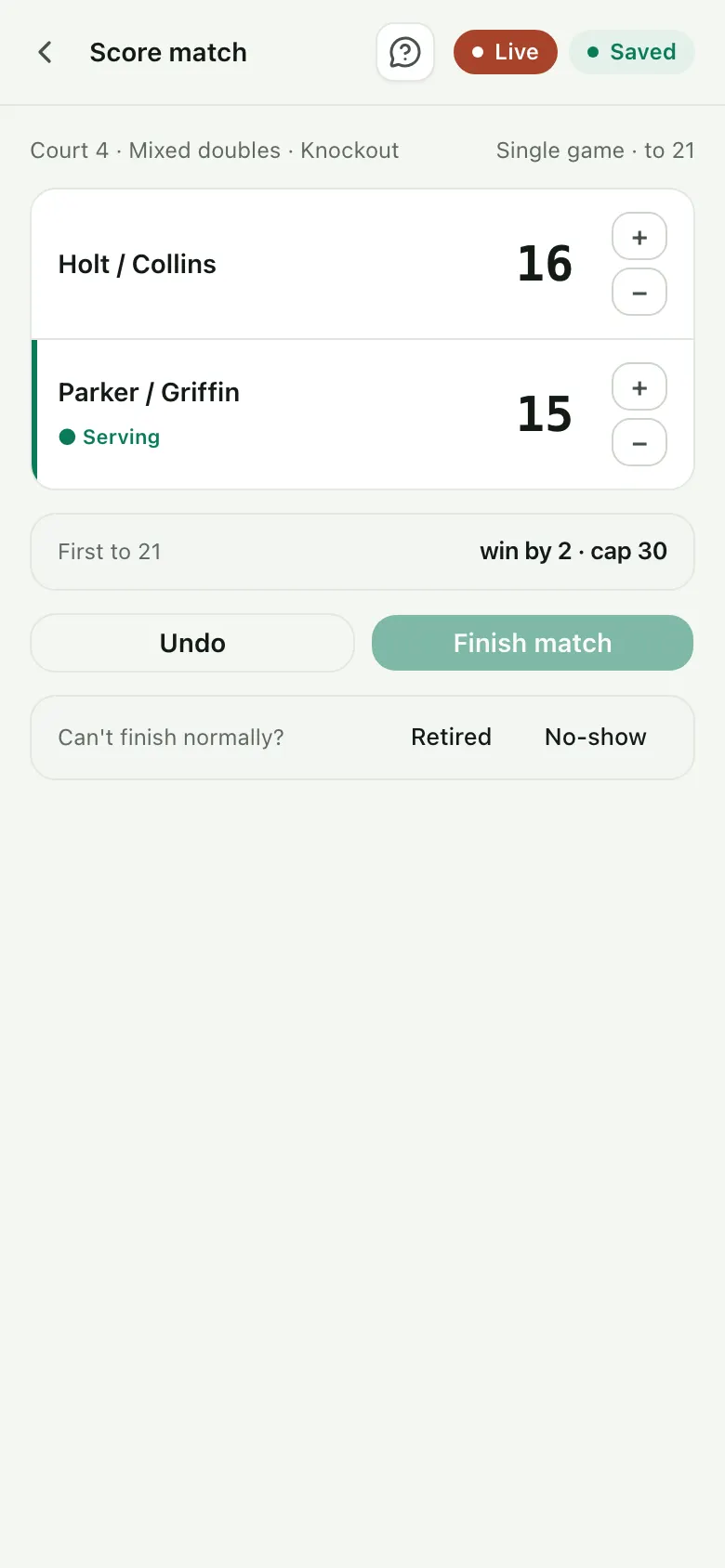
Tap + for the side that won each rally. Each point saves as you go, and Undo fixes a slip.
5 Run a timed match
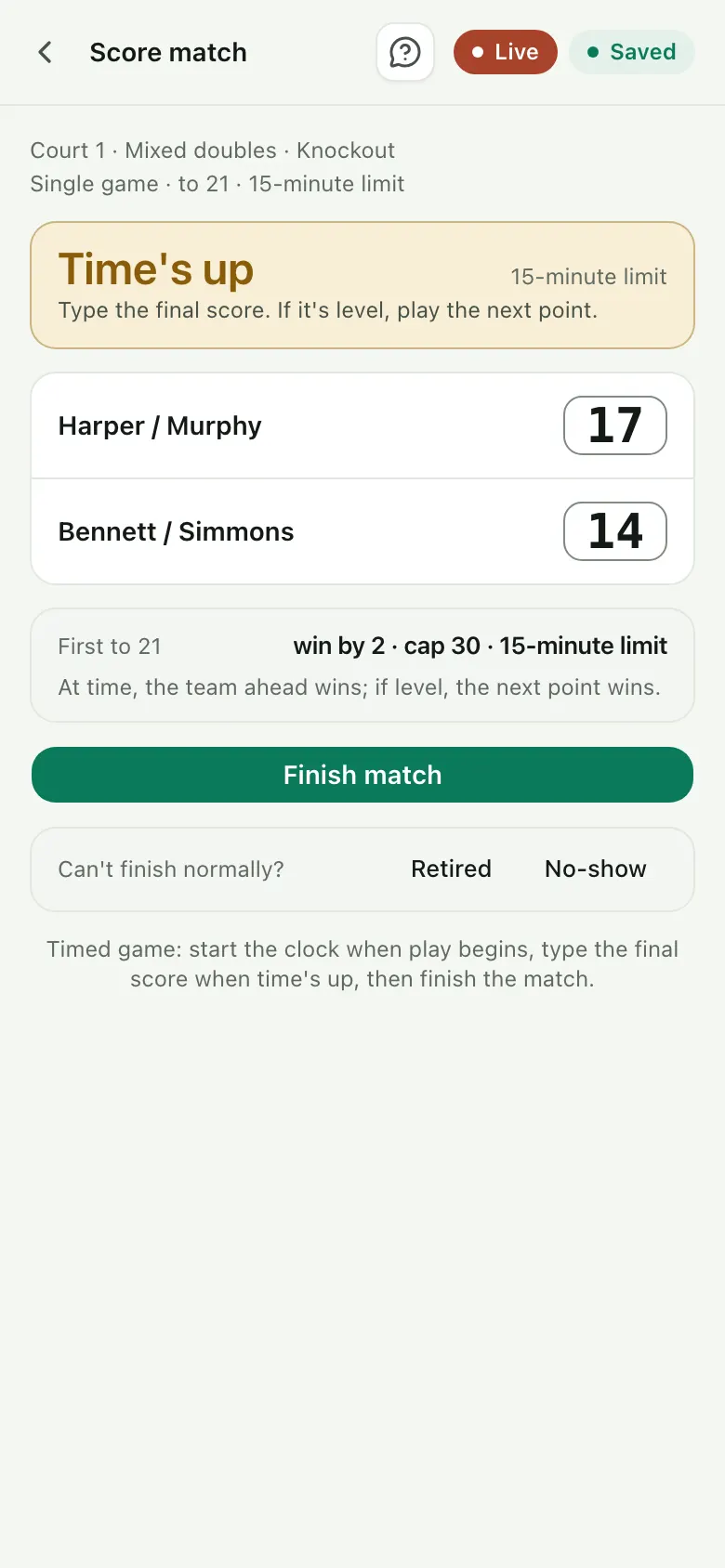
Start the clock when play begins. When time's up, type the final score. If it's level, the next point wins.
6 Finish the match
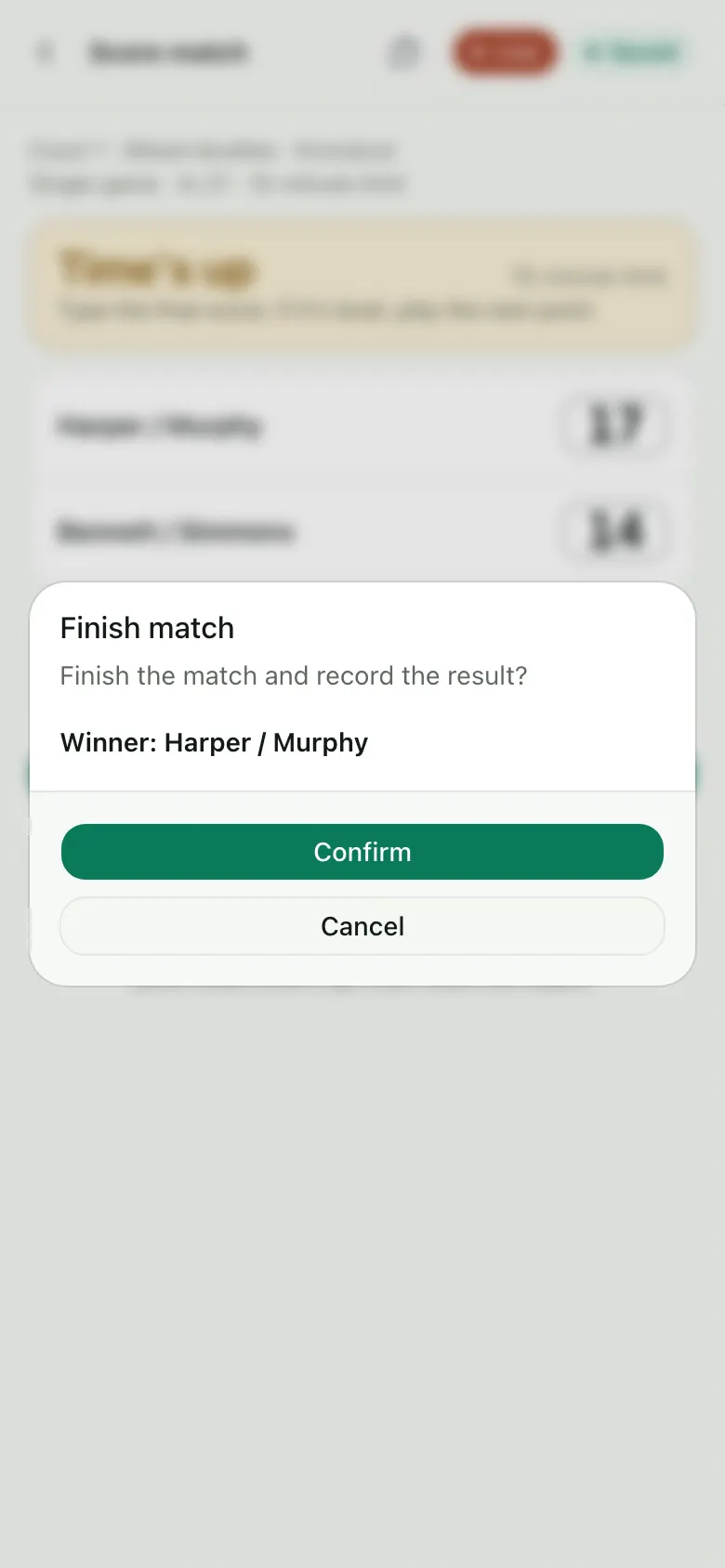
Confirm the winner. Standings and brackets update for everyone, and the players get the result.
When things go off plan
3 steps7 Call a no-show
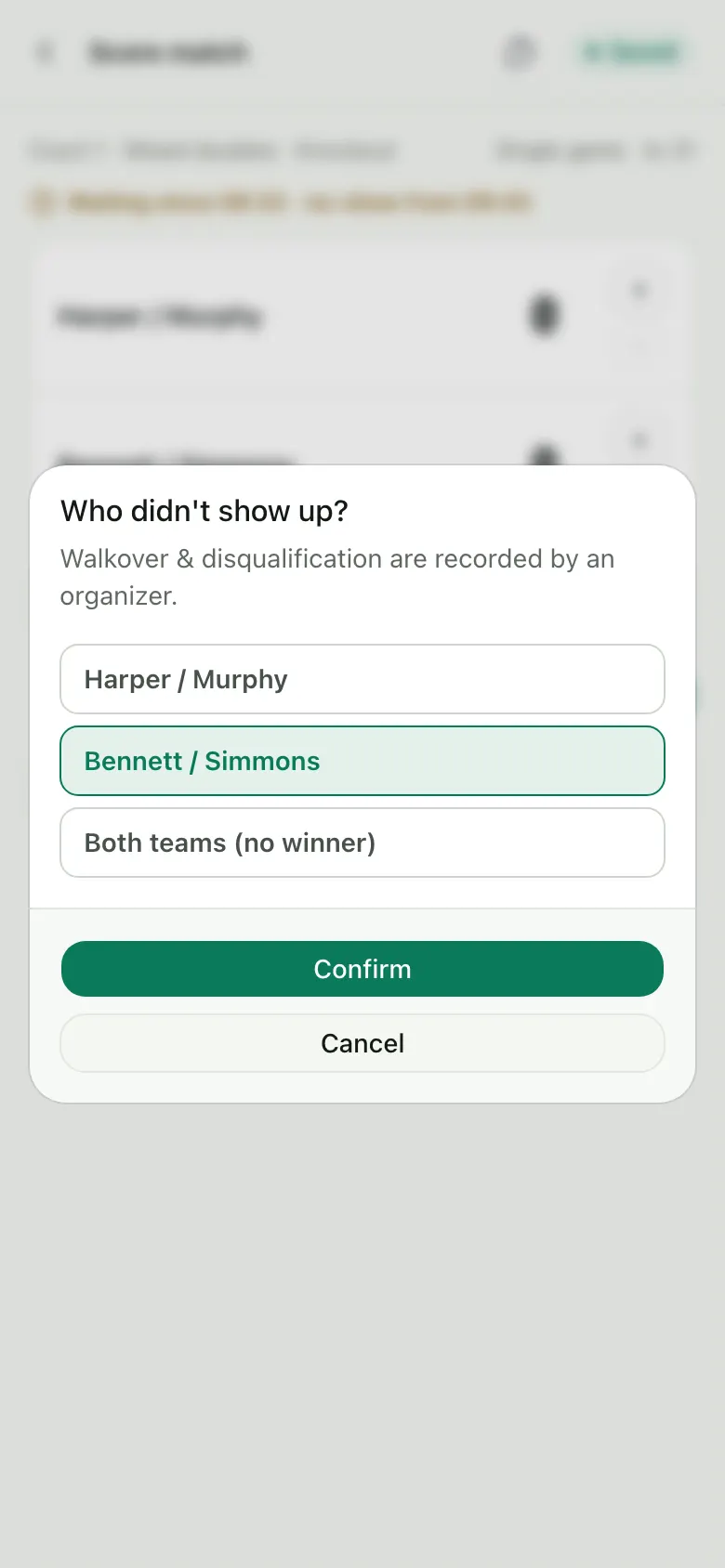
When the wait is over, pick who didn't turn up, and the team that came wins. If neither came, there's no winner.
8 Record a retirement
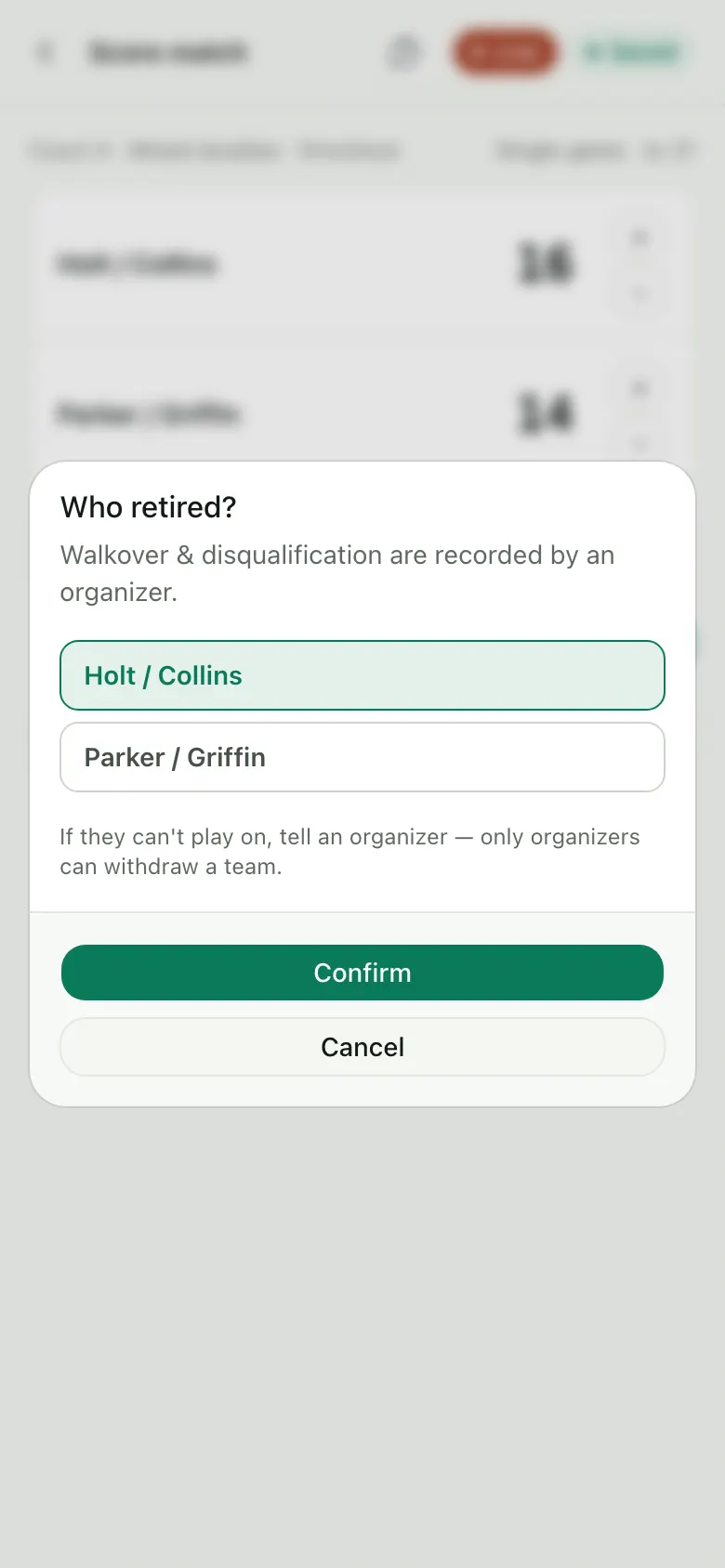
If a player can't go on, record who retired. The score so far is kept and the other side wins. An organizer can withdraw the team if needed.
9 Keep scoring offline
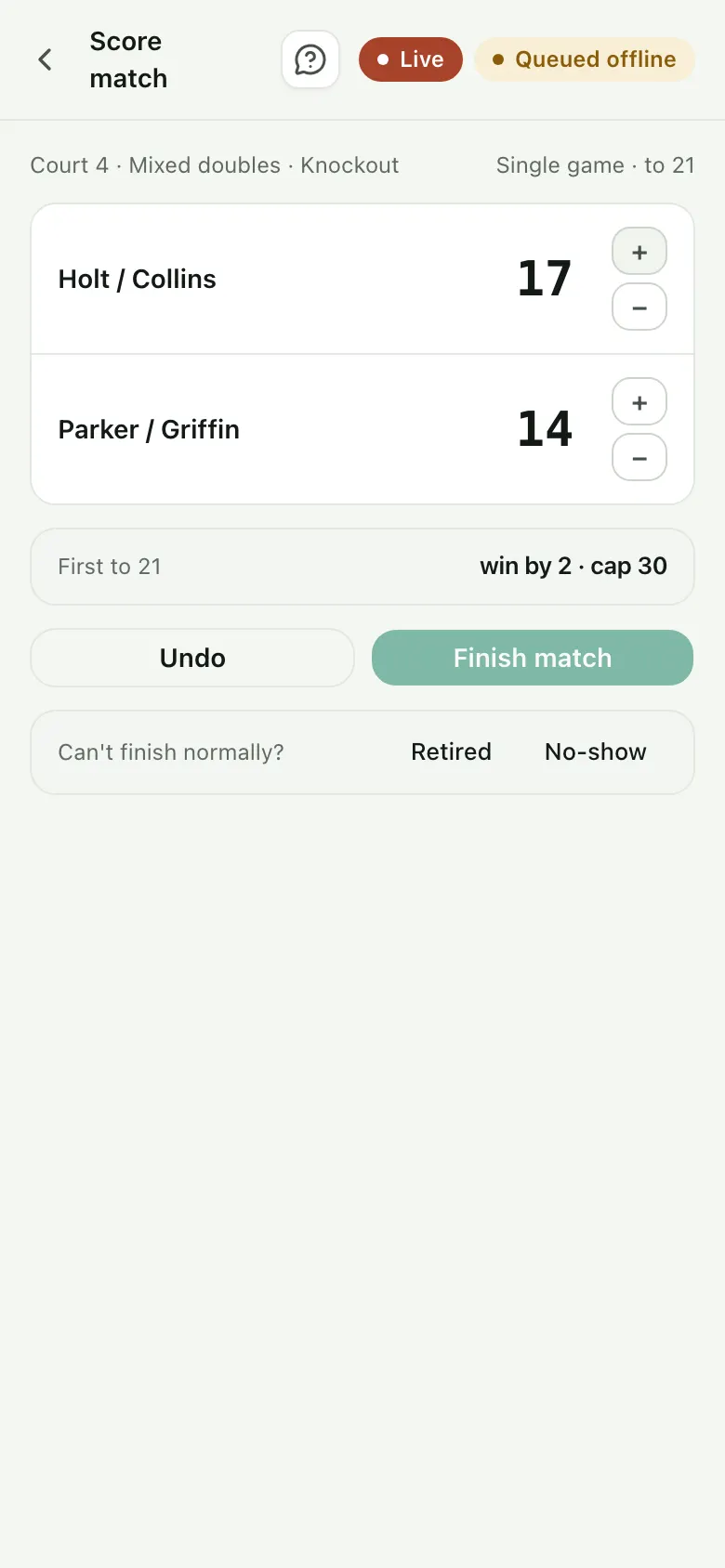
If the wifi drops, points are saved on your phone and sent when the connection comes back.
Bringing scorers?
Invite them from Staff once your event is set up: a link each, for every court or just some. They sign in with a free account.